
How the Atlas Map Upgrade Works in Streets
See how Atlas keeps your saved walks and areas and why your progress may look different.
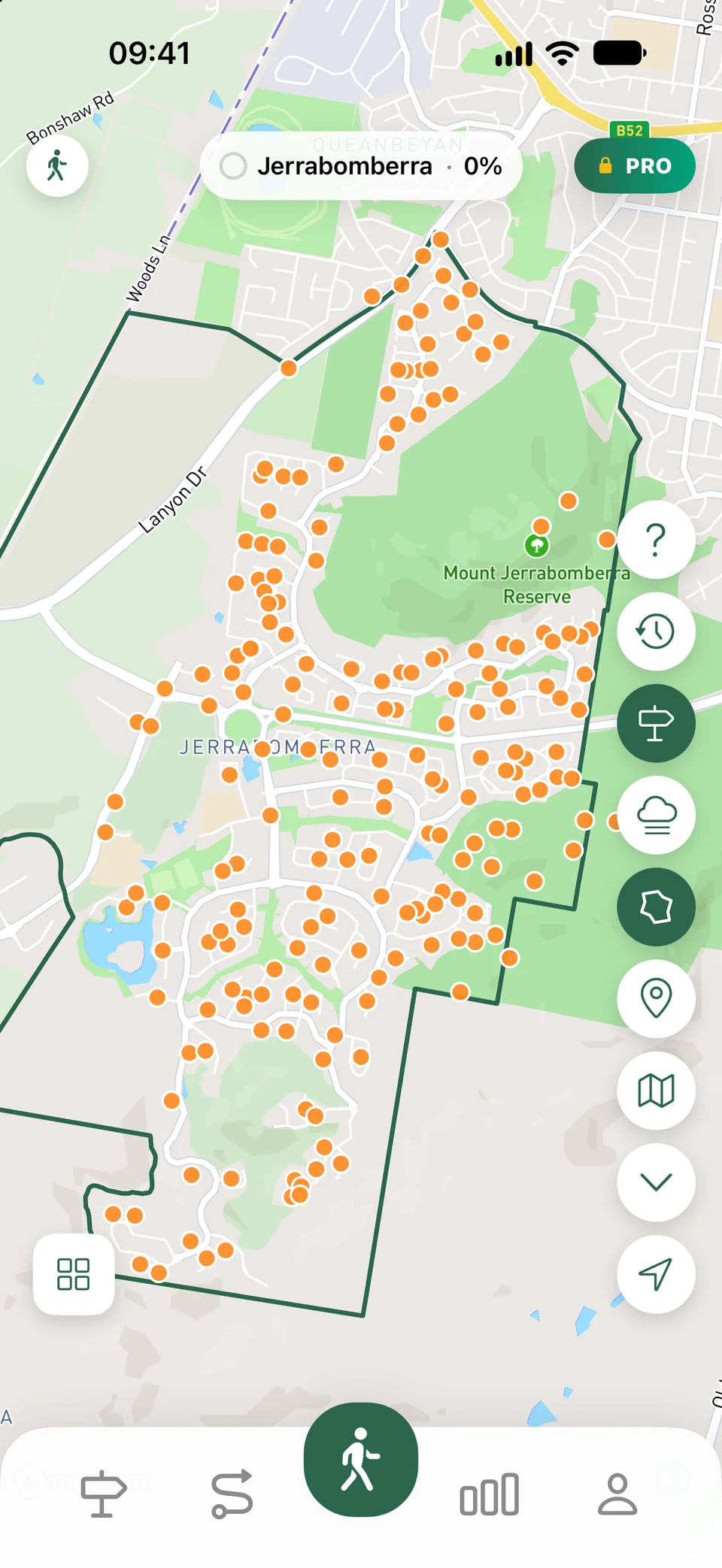
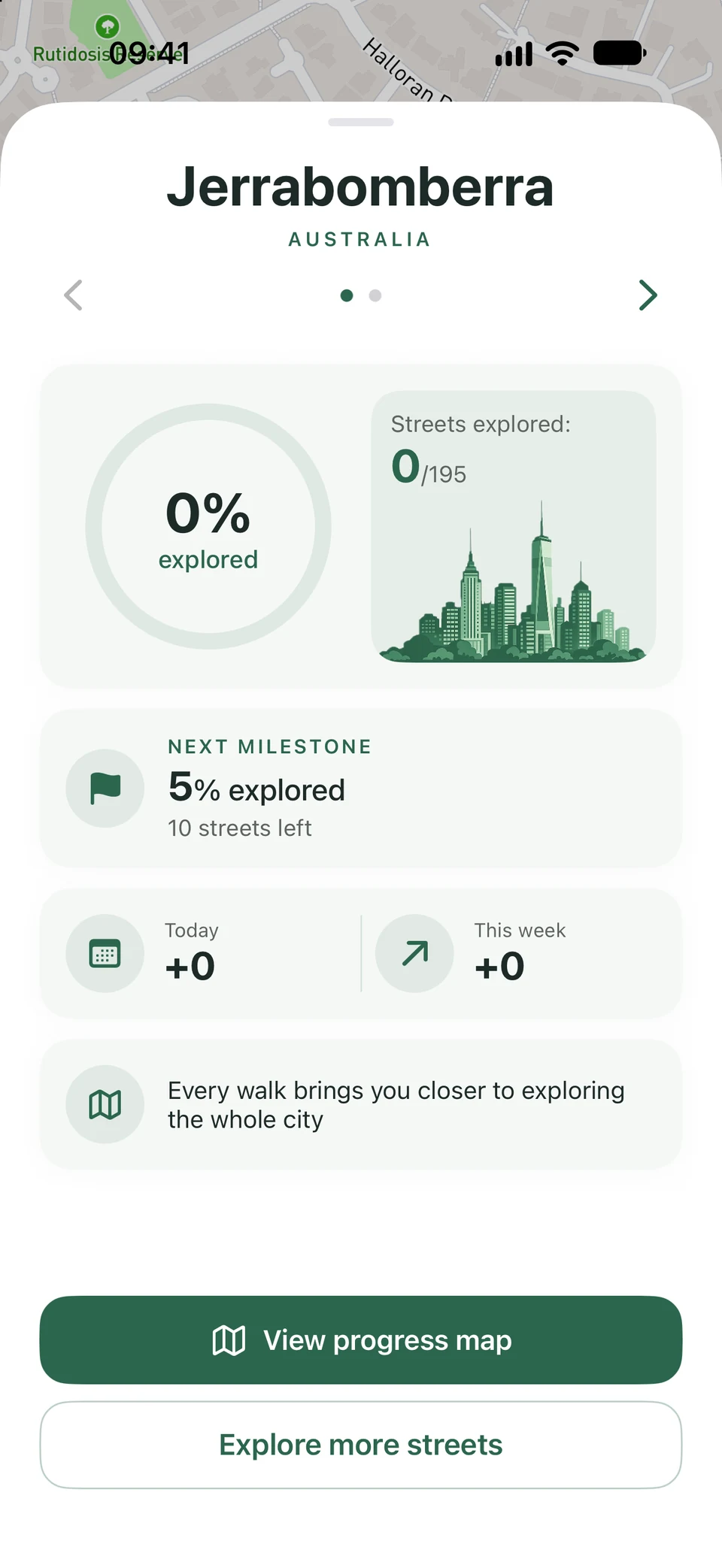
Streets finds your explored streets by matching saved GPS routes to the street map. Atlas updates the map used for that match, and you can choose to switch when offered. (4.7.32)
What’s different on the new map?
There can be different street lists for the same city. Your route line is the path your iPhone recorded. The street list reflects what Streets could match to that path.
What happens to walks and custom areas?
After the switch, your saved routes carry over and the previous history remains available. The boundaries you drew are kept and progress is recalculated. If certain walks don’t match streets in an area, its progress may change and the original area stays in the previous history. route history · custom areas
What can change my street count or percentage?
Matching previous walks may recognize more or fewer streets. A larger total can mean a smaller percentage for the same number of streets. You don’t have to start exploring again. Verify your selected city or area, compare visited and remaining streets and open a saved walk. city progress
Why might I not see the upgrade?
Streets 4.7.32 introduced the Atlas map upgrade. The upgrade is being made available gradually, so it may not appear for everyone at the same time. If New map isn’t available, keep using the map and history you already have. There’s no need to reinstall, reset your progress or record old walks again. Already using Atlas? No need to switch a second time.
What do I do if I see the offer?
In the Streets tab, open New map and read Switch to the new map. Finish your active walk and leave Streets open while it transfers. You can also stay on your current map. To report a route or area missing after a transfer, include your app version, city or area and walk date. Contact support