
How the Atlas Map Upgrade Works in Streets
Find out what happens to your walks and custom areas when you change maps.
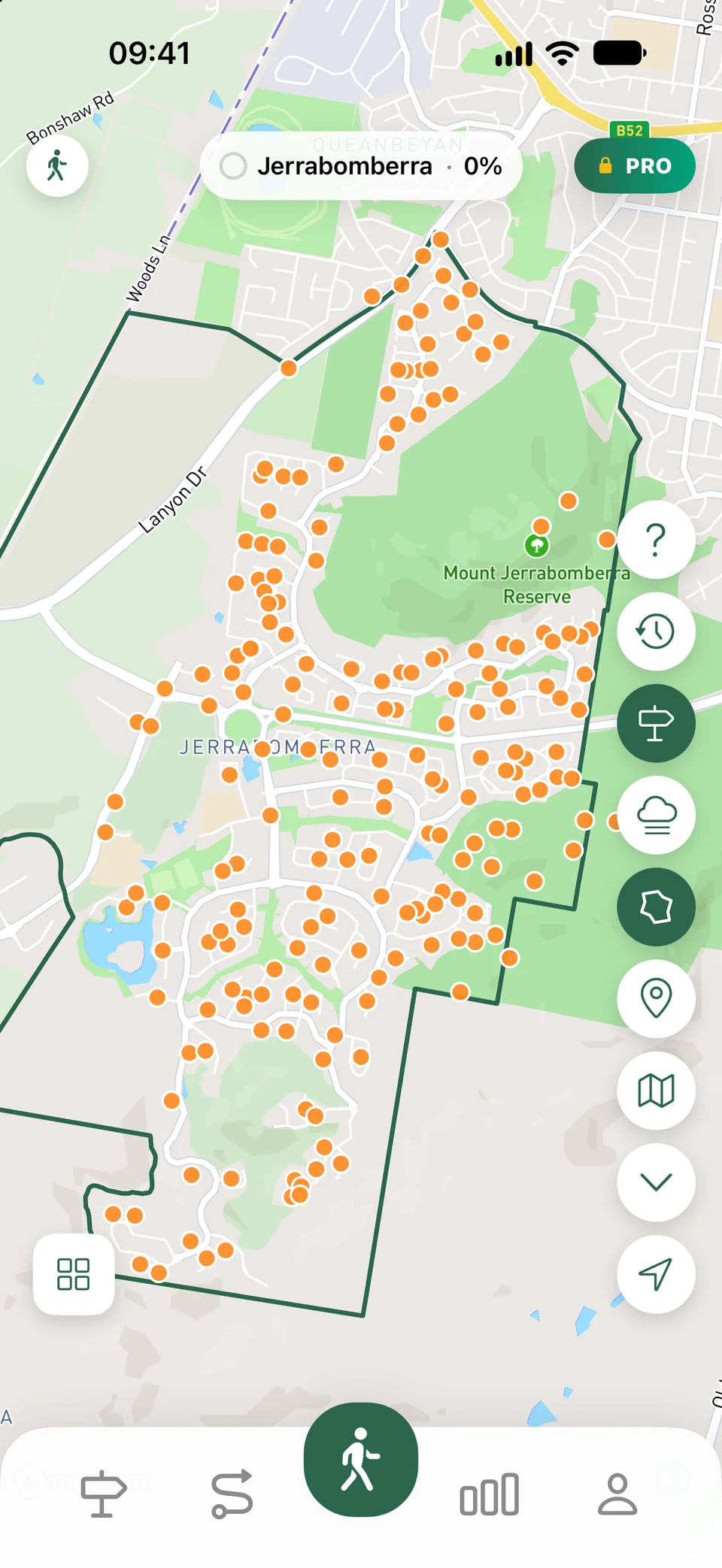
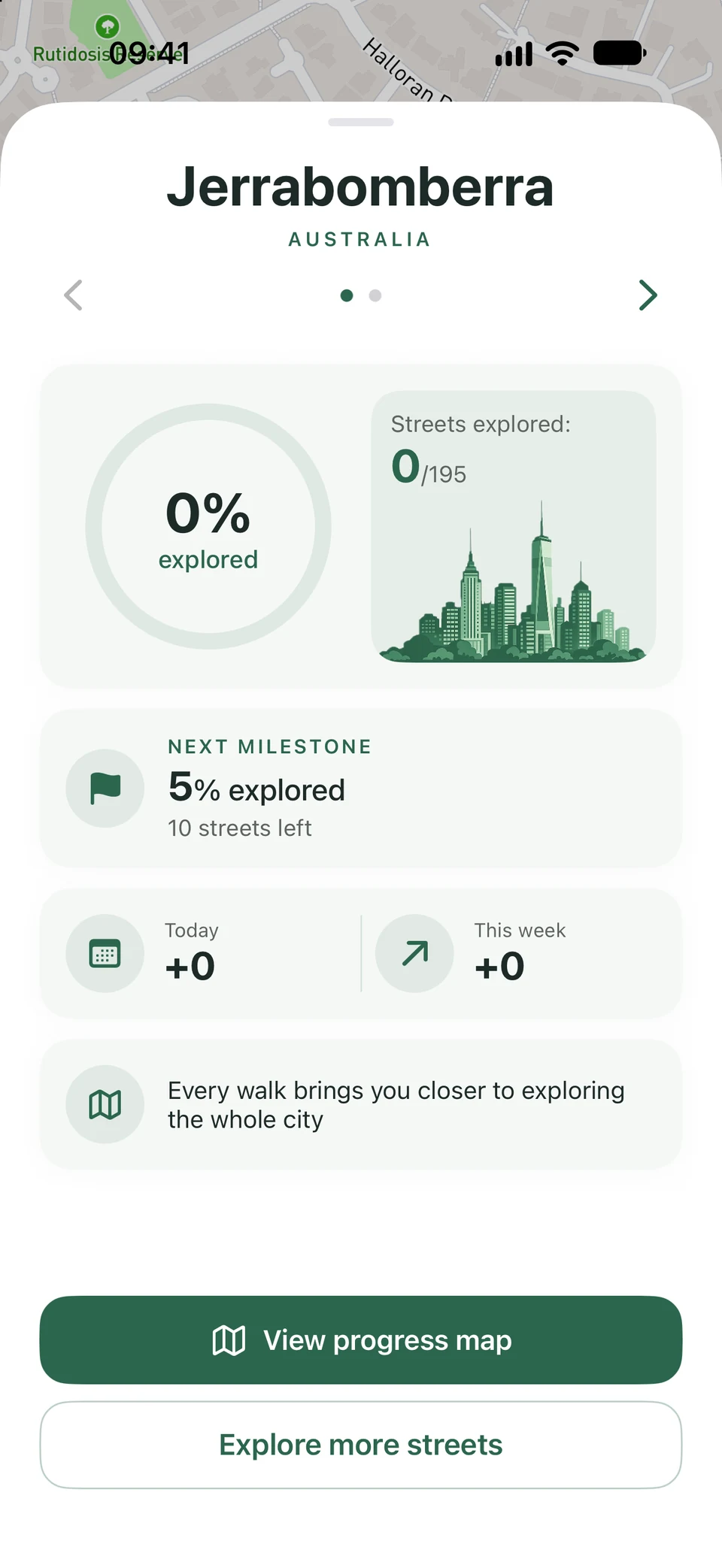
Streets compares your saved GPS tracks with the street map to recognise the streets you’ve explored. Atlas updates that map, and you can opt in when offered. (4.7.32)
What changes on Atlas?
The two maps may list different streets in the same city. Your route line shows where your iPhone recorded you walking; the street list shows what Streets could match.
What happens to routes and areas?
Your saved walks carry over and your previous history remains available. Custom area boundaries stay in place. Streets recalculates their progress, and if old tracks do not match, the original area remains in your previous history. route history · custom areas
Why did the count change?
Atlas may recognise more or fewer streets. If the new city list is larger, the same number visited can give a smaller percentage. You don’t need to start over. Check the selected city or area, compare visited and remaining streets, and open a saved route. city progress
Why can’t I see the upgrade?
Streets 4.7.32 introduced the Atlas map upgrade. The upgrade is being made available gradually, so it may not appear for everyone at the same time. If New map isn’t shown, keep using your current map and history. You don’t need to reinstall, reset anything or record your walks again. Already on Atlas? There’s no need to switch again.
What should I do if offered?
Open New map on the Streets tab and read Switch to the new map. Finish any walk in progress and keep Streets open while it transfers. You can stay on the previous map. If a route or area is missing afterwards, share your app version, city or area and walk date. Contact support