
Areas and Neighborhood Progress
Areas let you focus Streets on a specific neighborhood, district, or personal map challenge.
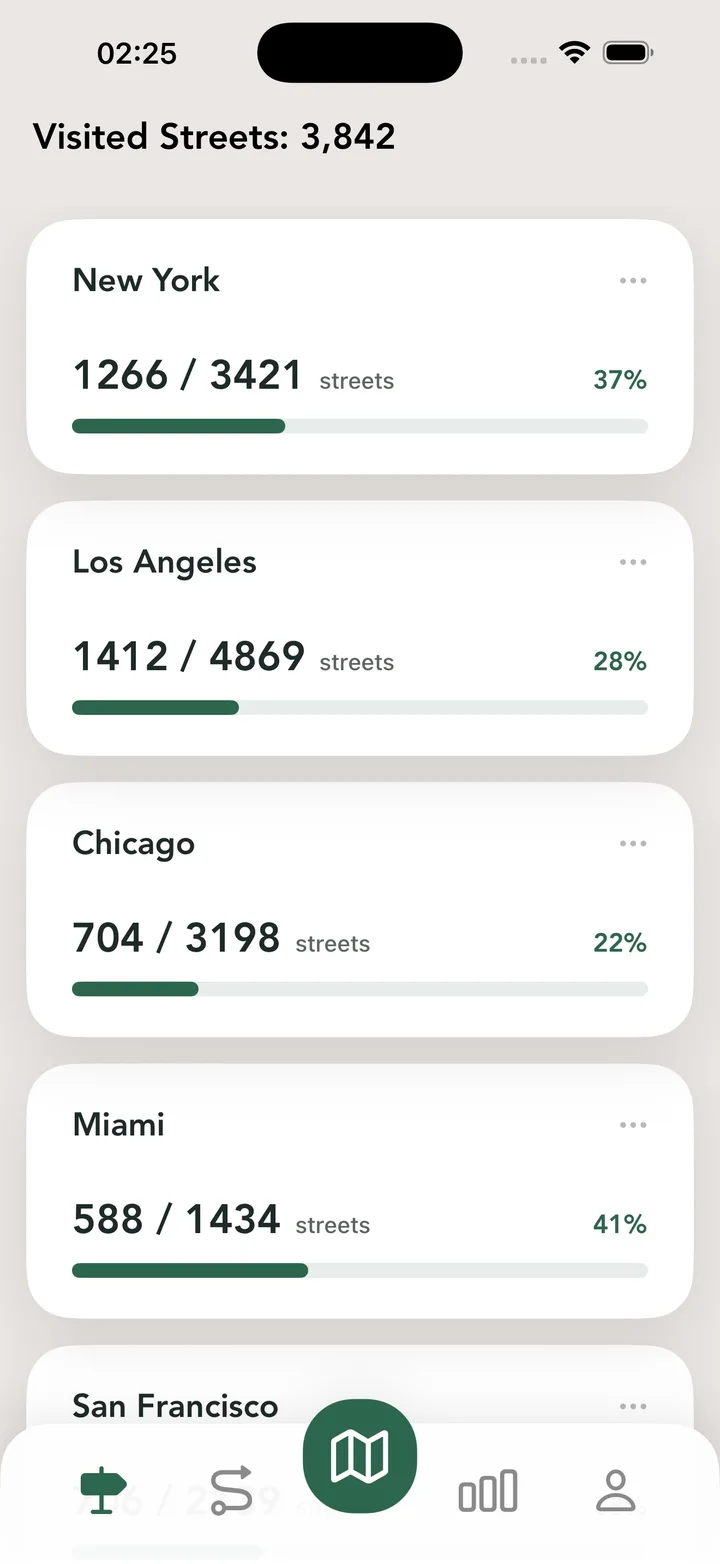
What this feature does
Instead of only looking at an entire city, Streets lets you create custom Areas on the map. Track progress inside a neighborhood, see visited, unvisited, and skipped streets, rename the Area, delete it when you no longer need it, share progress, and switch between citywide progress and focused Area progress.
Real Streets capabilities
- Create custom Areas on the map.
- Track progress inside a selected neighborhood or district.
- See visited, unvisited, and skipped streets inside an Area.
- Rename an area with a clear personal name.
- Delete areas you no longer need.
- Share area progress as a visual result.
- Switch between citywide progress and specific Areas.
How it works
Draw an area
Choose the part of the map you want to explore separately.
Walk inside it
Track routes and let Streets count area progress as you cover streets.
Review or share
See what is visited, remaining, or skipped and share the result when it grows.
Practical ways to use it
- Complete the streets around your home.
- Explore a neighborhood one Area at a time.
- Create a smaller challenge inside a large city.
- Share progress for a favorite district.
FAQ
Can I track progress for one neighborhood?
Yes. Areas let you focus progress on a custom part of the map.
Can I rename or delete an area?
Yes. Streets supports renaming and deleting custom areas.
Can I share area progress?
Yes. Streets can create a shareable progress card for an area.
Related guides
Walk every street with Streets
Find what is left, choose a new route, and move your city closer to 100%.