
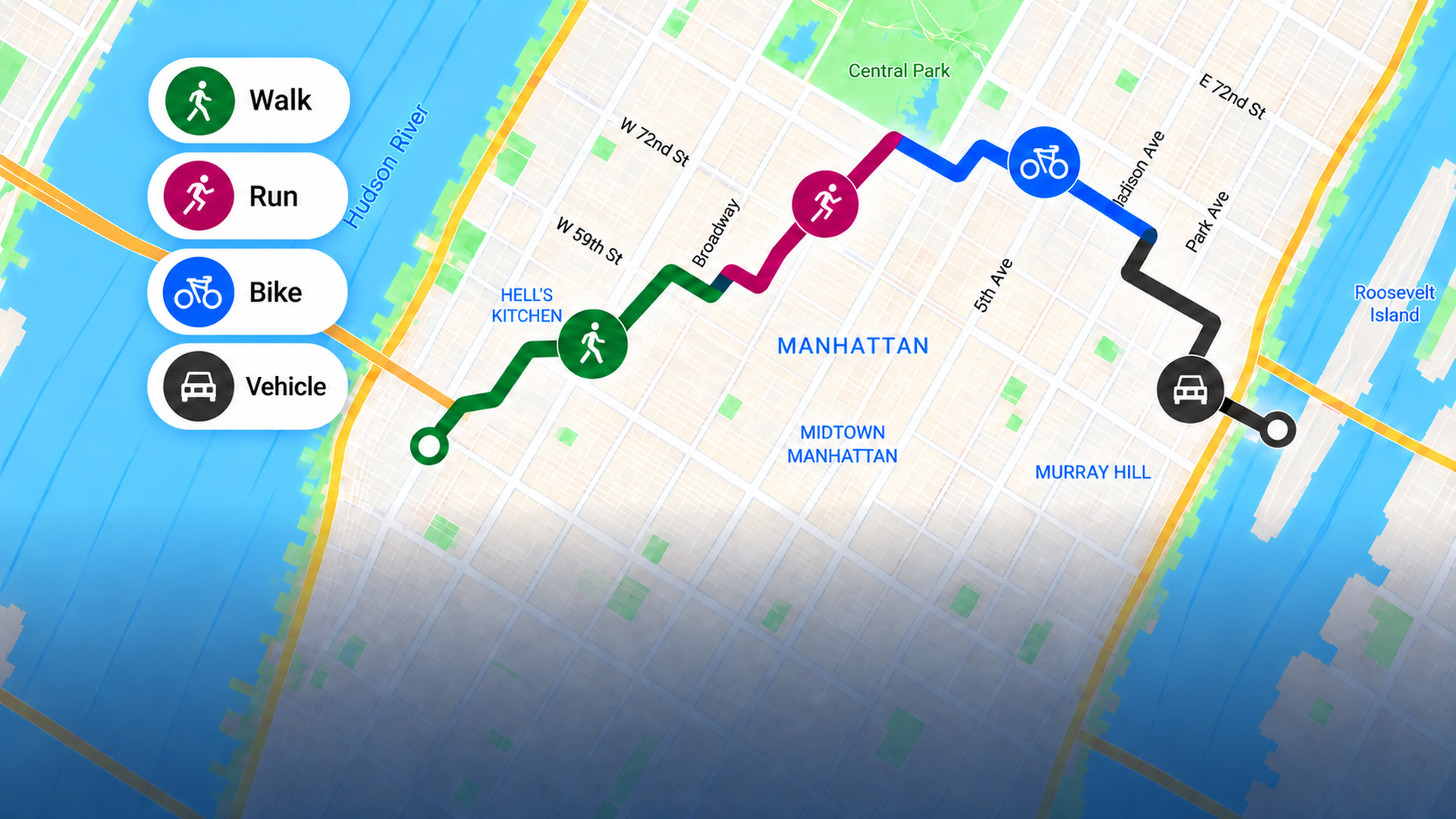
Track Multiple Activities in One GPS Route
Record walking, running, cycling, and vehicle segments without splitting one trip into separate routes.
Practical ways to find unvisited streets, stop repeating familiar routes, and make steady progress toward the whole city.
Record walking, running, cycling, and vehicle segments without splitting one trip into separate routes.
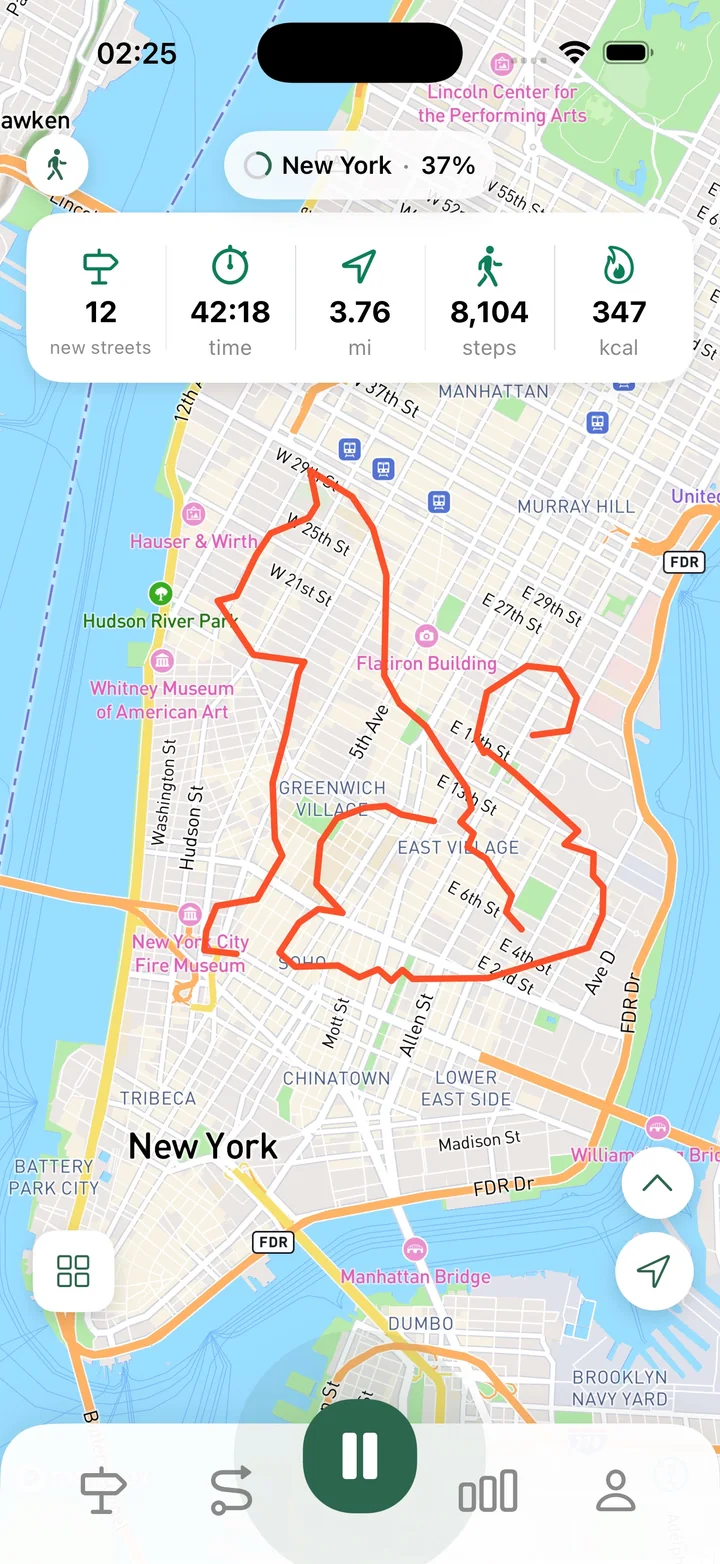
Understand steps per minute, enable Accurate Steps, and use cadence to add useful context to walks and runs.
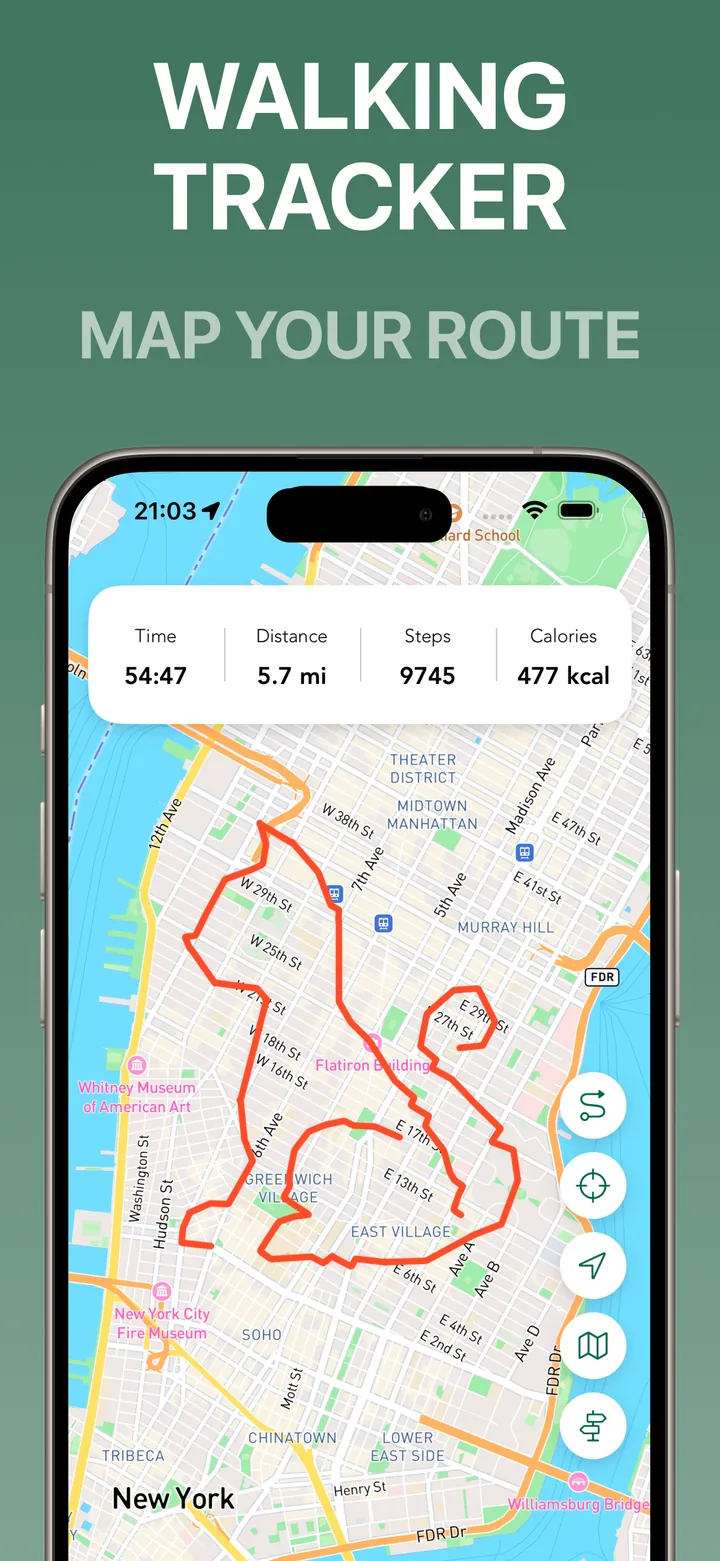
A practical guide to choosing a GPS walking tracker that records routes, keeps useful stats, and helps you understand where you walk.
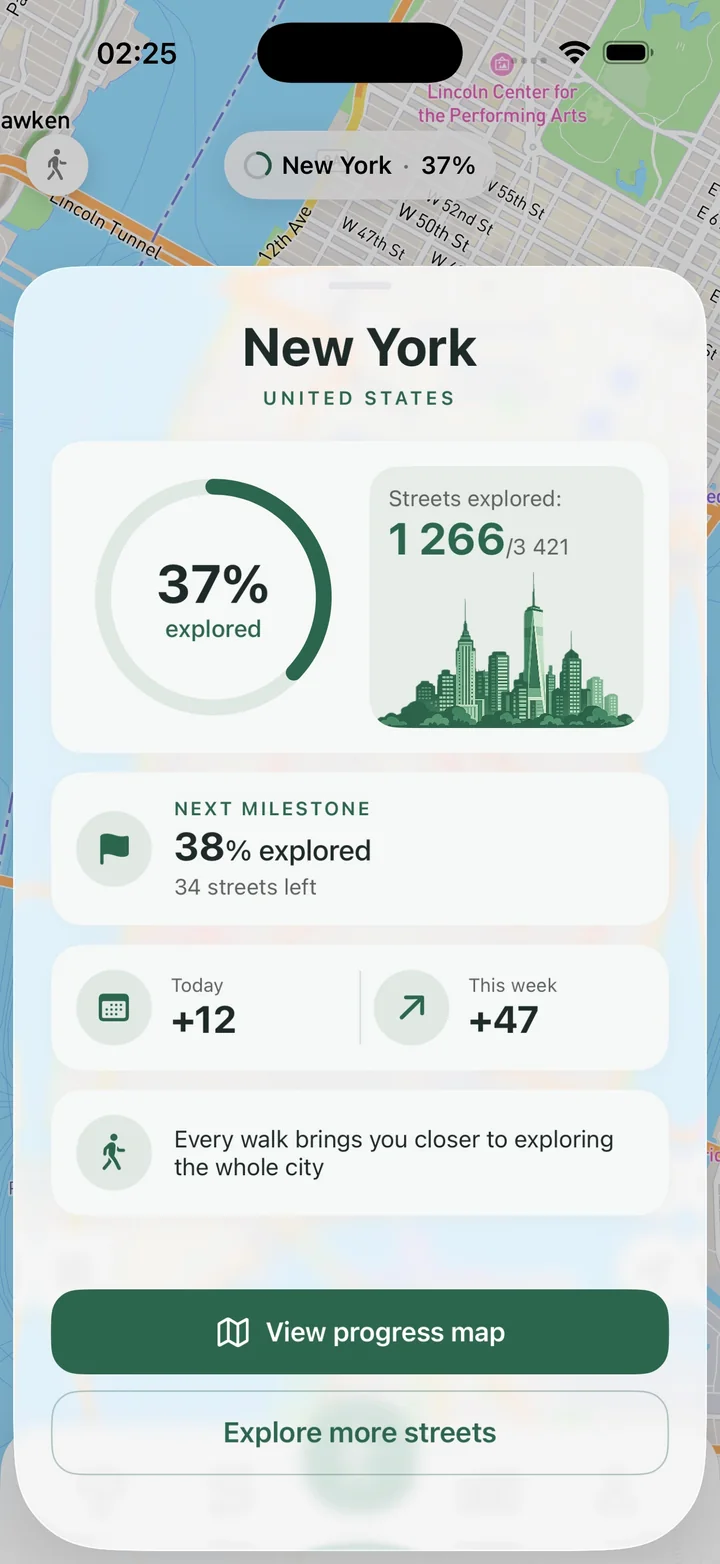
Use custom Areas to focus on a neighborhood, see visited and unvisited streets, and make city exploration easier to finish.
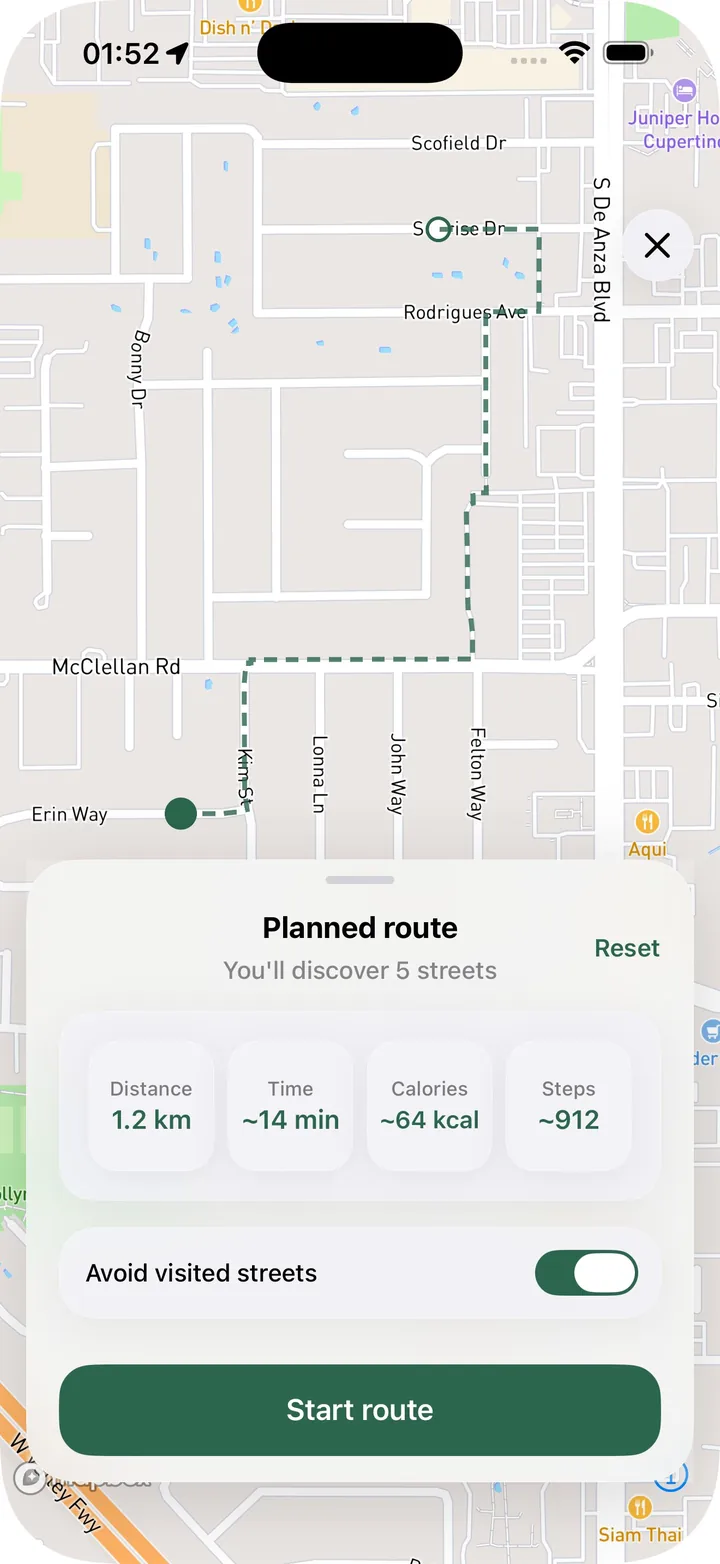
Use random routes to break out of repeated walks, choose a distance or time target, and discover new streets without planning every turn.
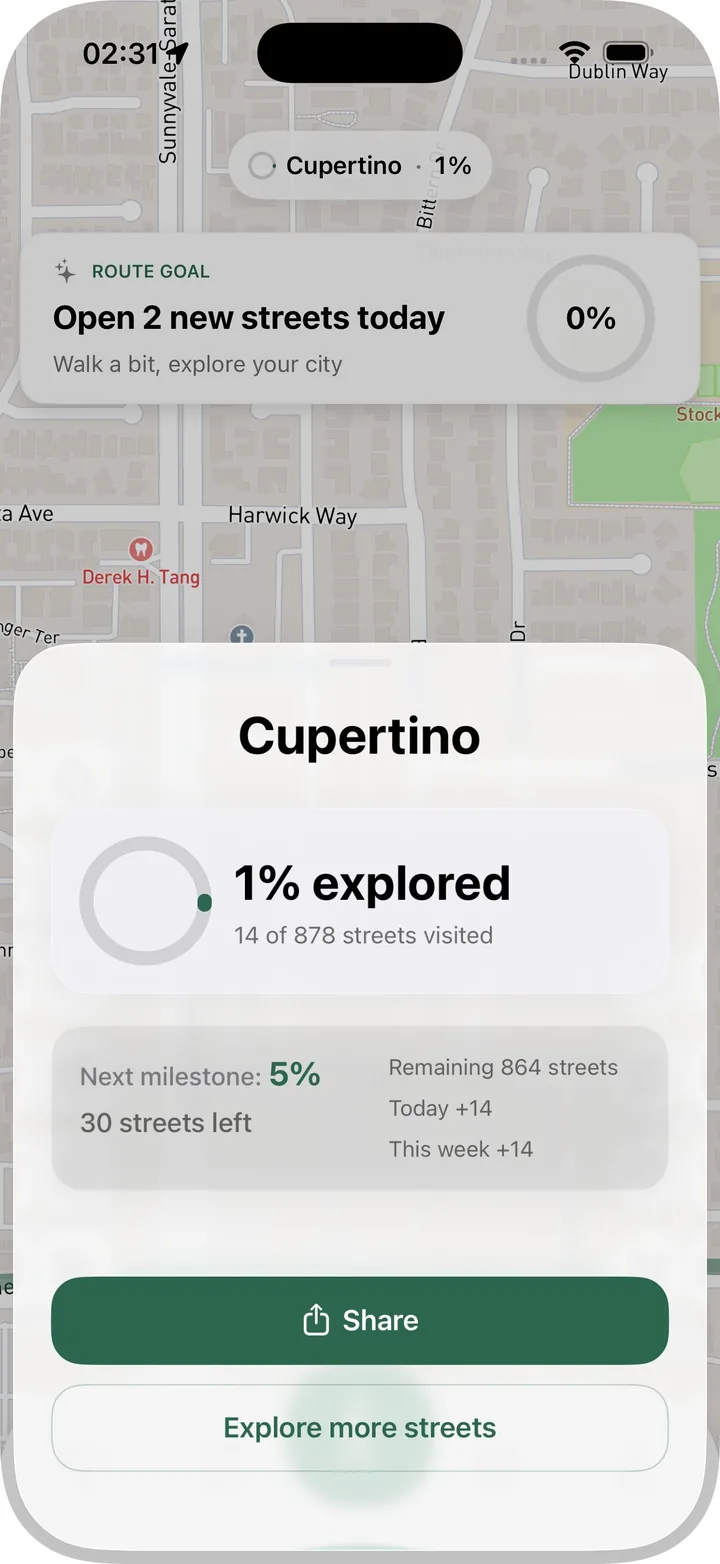
A simple way to use Streets to turn everyday walks into new blocks, visible progress, and better walking routes.
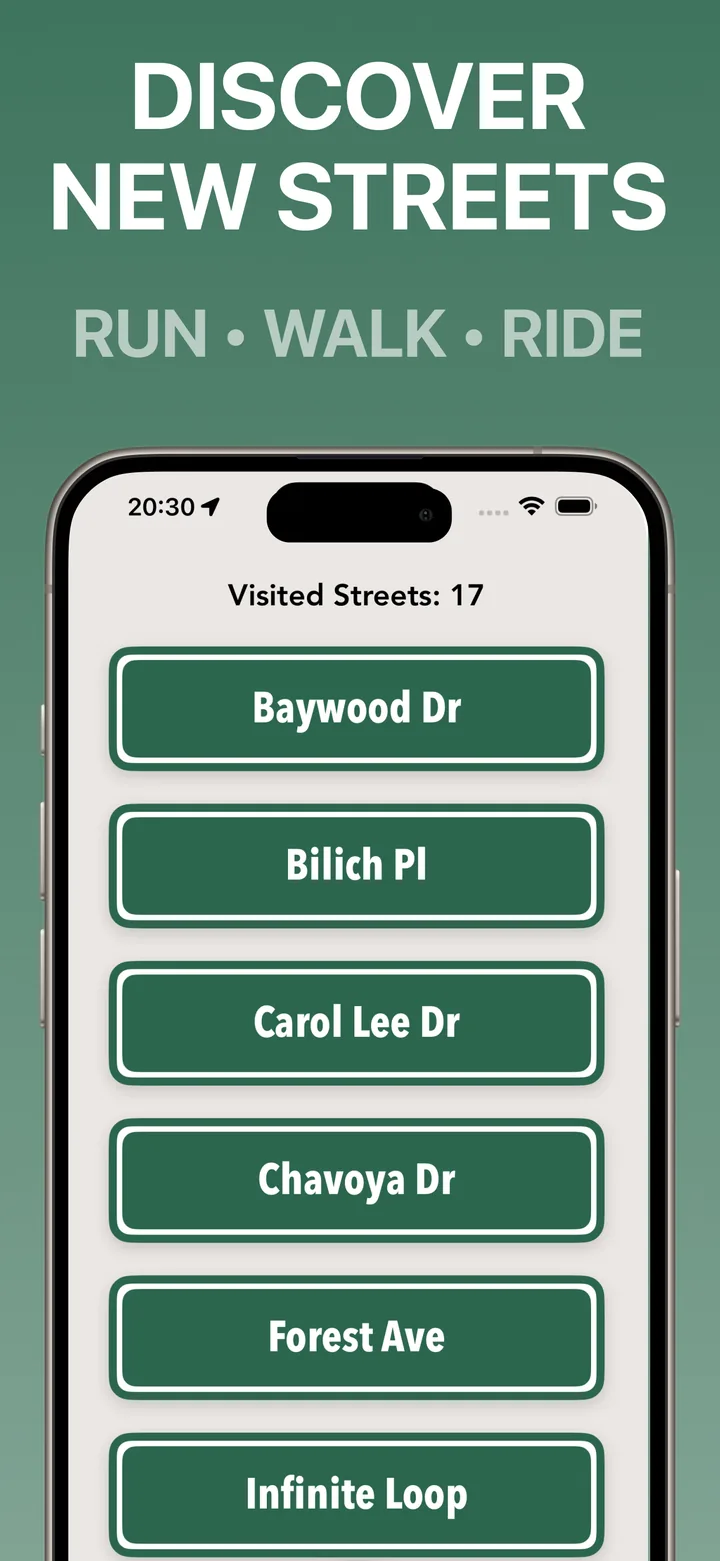
Learn how to build a personal map of streets you've already walked and use it to discover new walking routes.
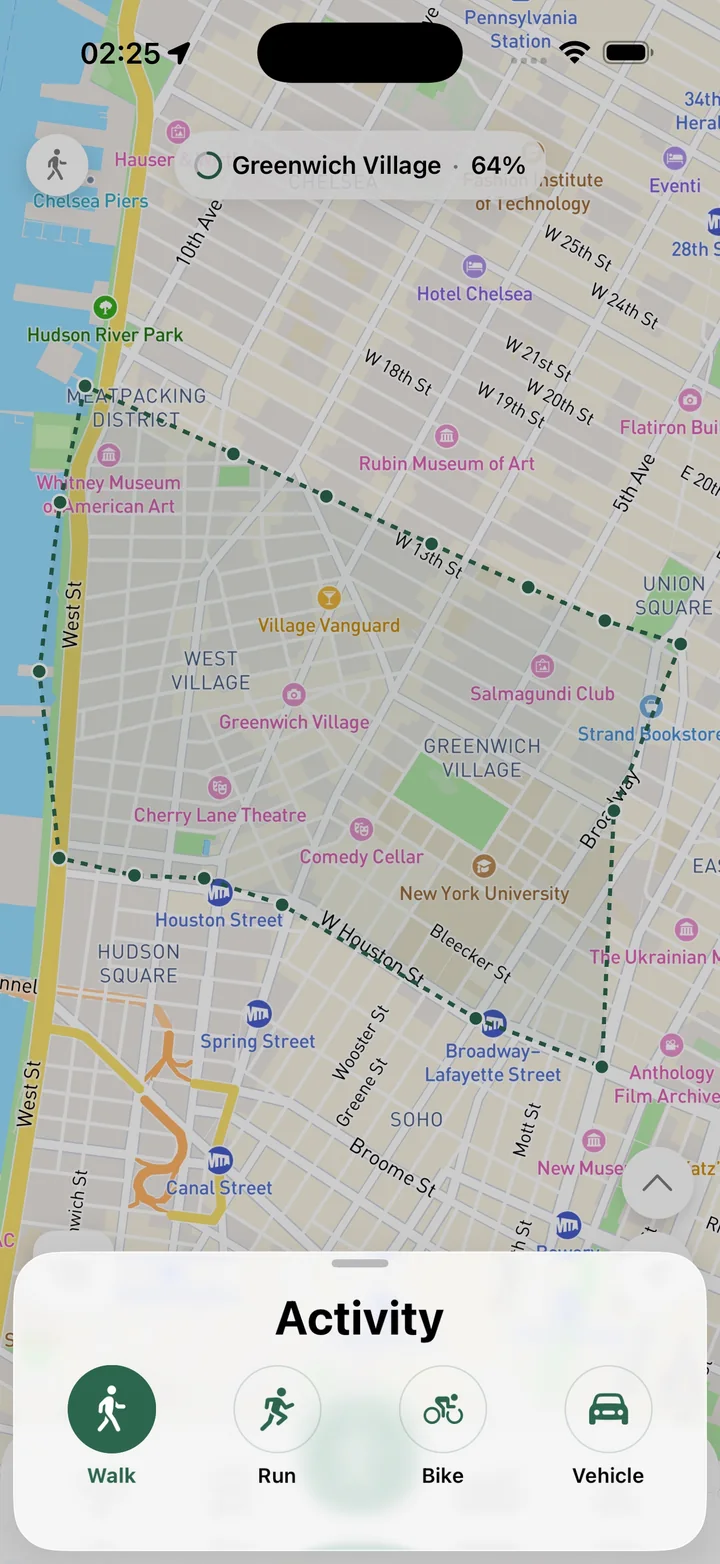
Use Activity Review to correct or remove travel that should not be part of a saved walk and its city progress.
A look at how Streets grew from GPS route tracking into visited streets, city progress, Areas, Random Route, goals, and sharing.
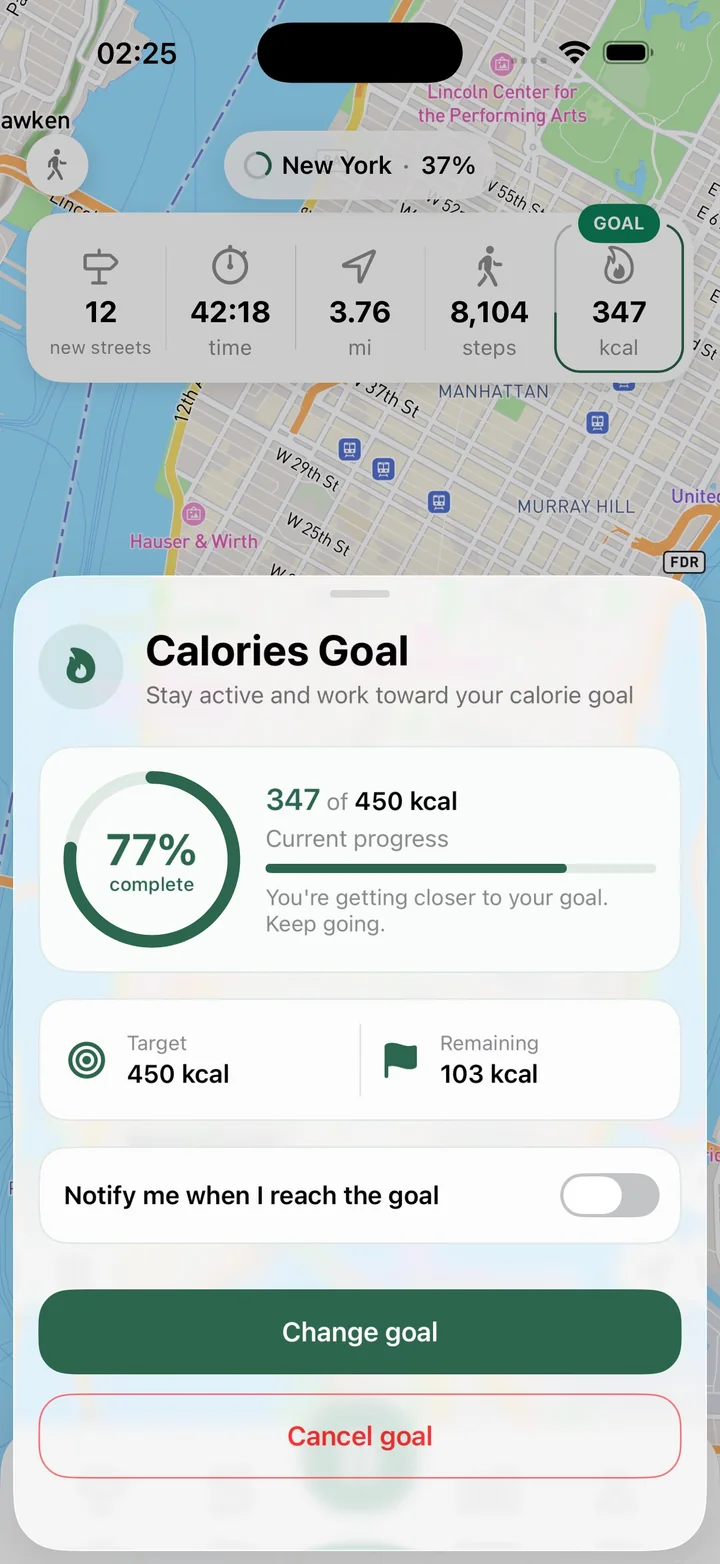
Use goals for new streets, distance, time, steps, or calories to make each walking route feel clear and achievable.
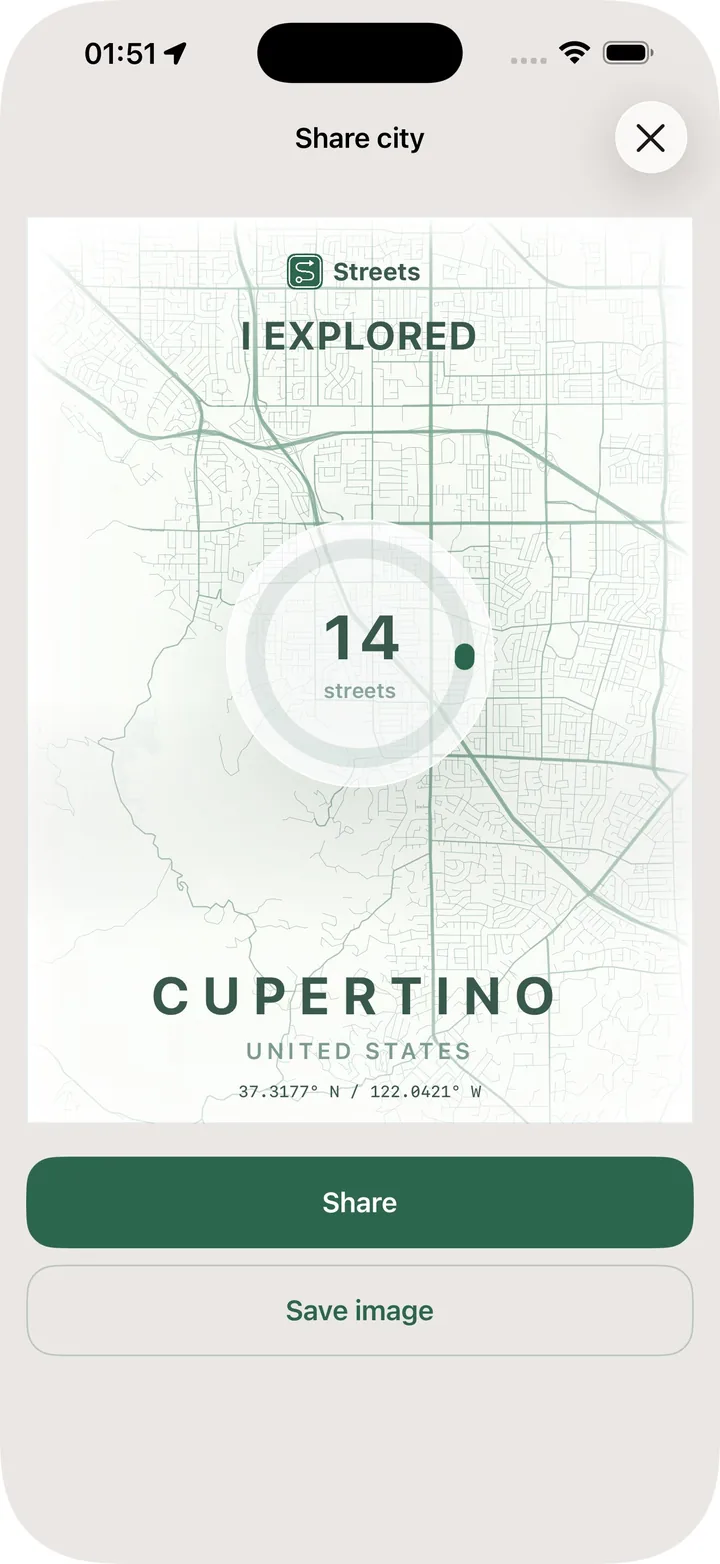
Share route cards, neighborhood progress, and PDF exports to keep a record of the streets and areas you have explored.
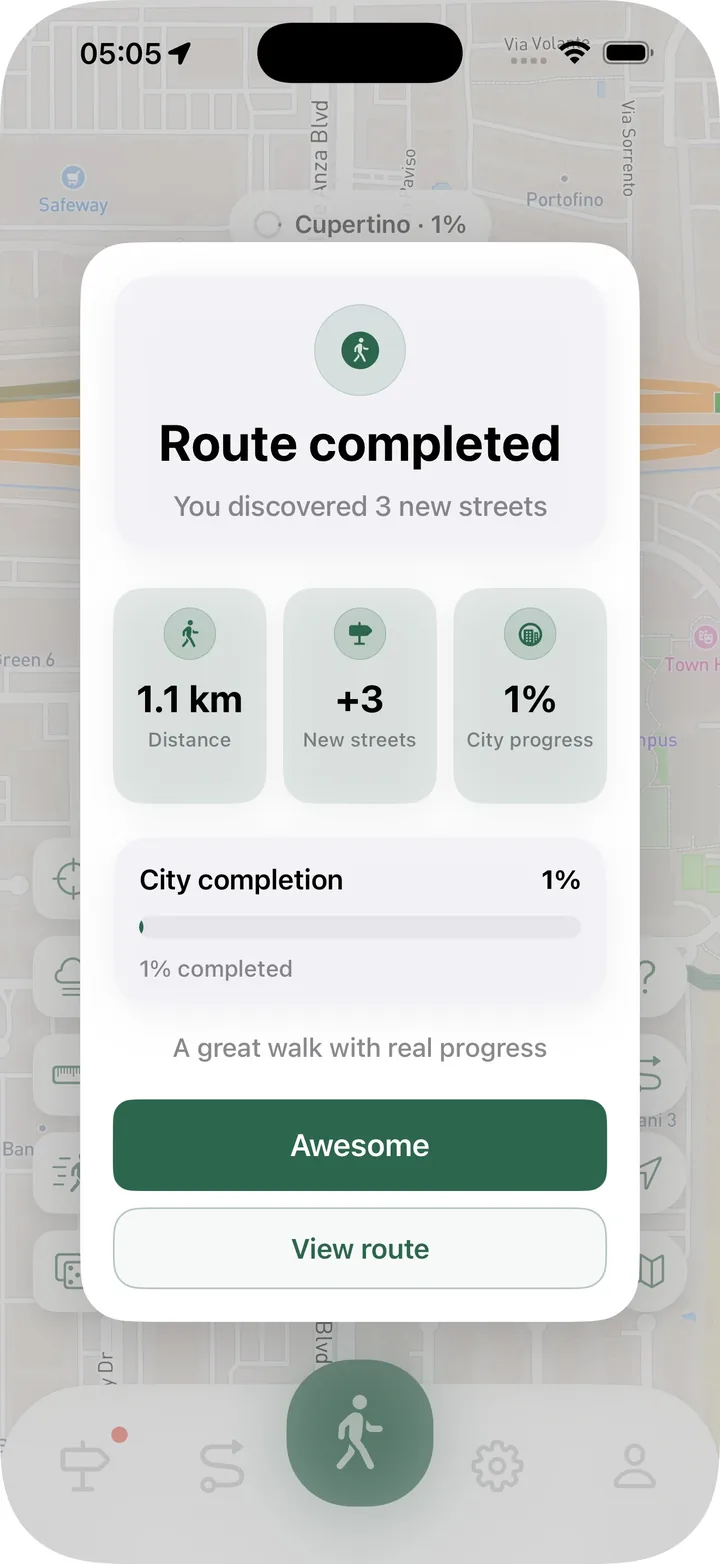
Route history helps you remember walks, review stats, see newly discovered streets, edit route ends, and plan better future routes.
A simple method for planning walks that avoid repeated routes and help you explore more of your city.
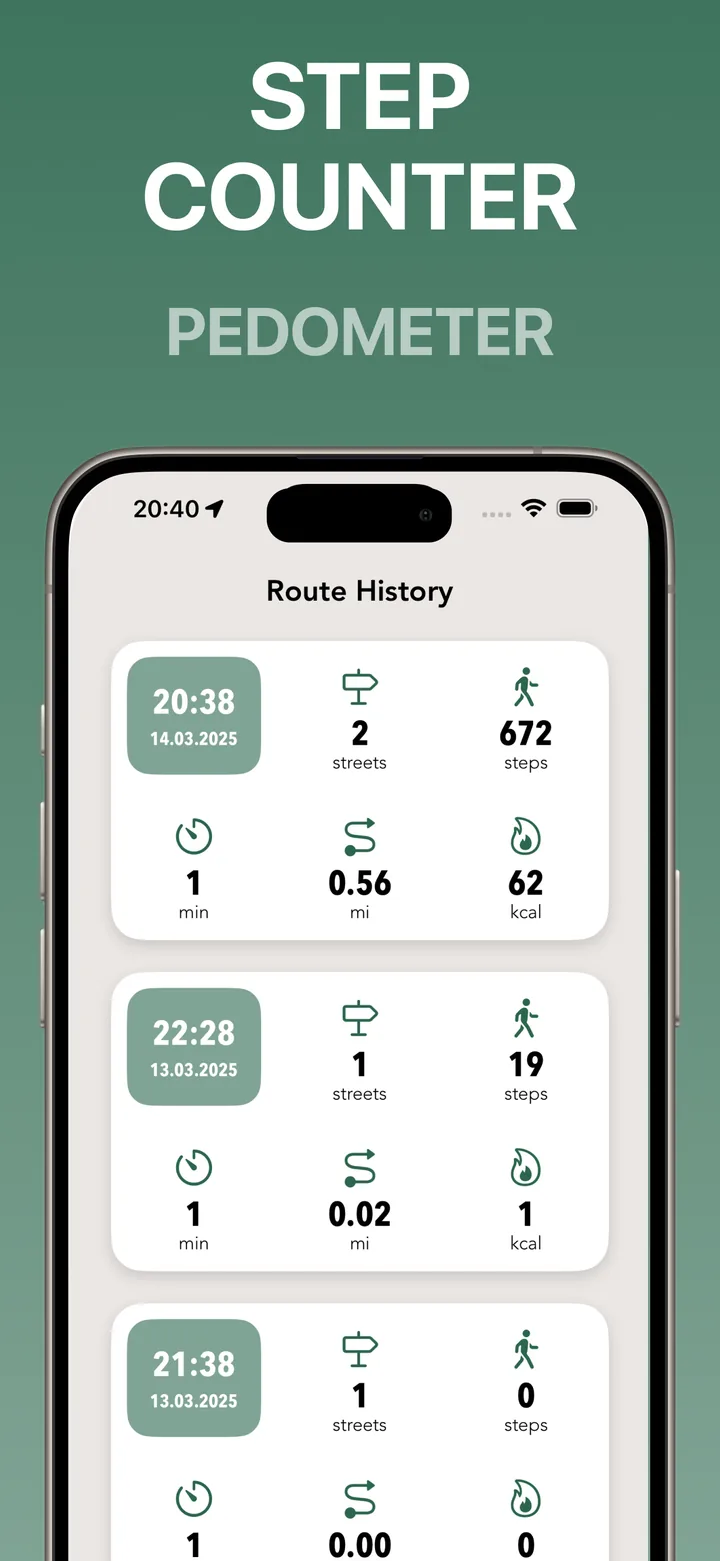
Time, distance, steps, calories, and route history can help you understand your walks without overcomplicating them.
Use visible city progress to make regular walking easier, more satisfying, and less repetitive.
Use visited streets, route review, and small planning habits to make everyday walks feel new again.
A walking progress map shows the streets and routes you have explored, making every walk part of a larger city record.