Walk every street.
Complete your city map.
Record your walks and see which streets you've explored, what's left, and how close you are to completing your city.
Available for iPhone
Turn your city into a goal you can see
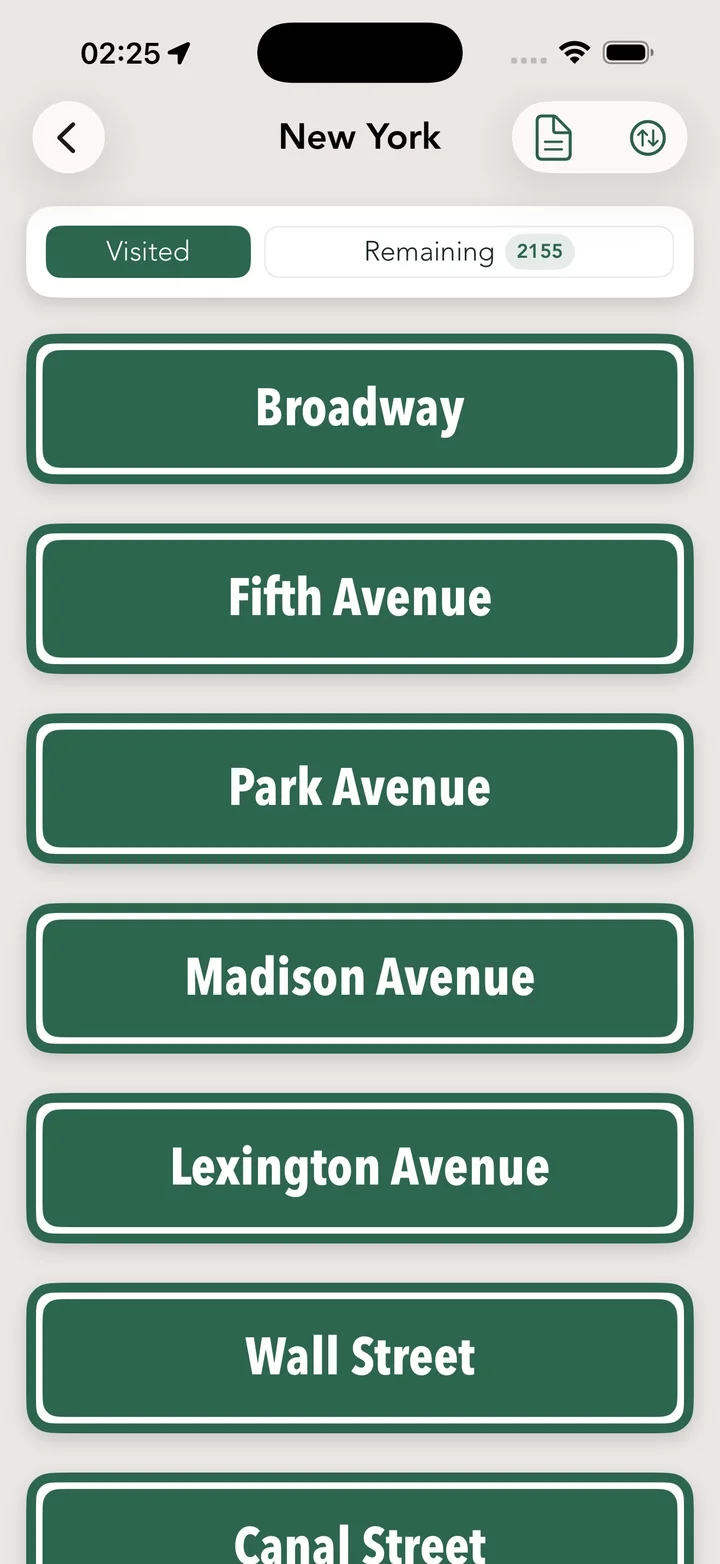
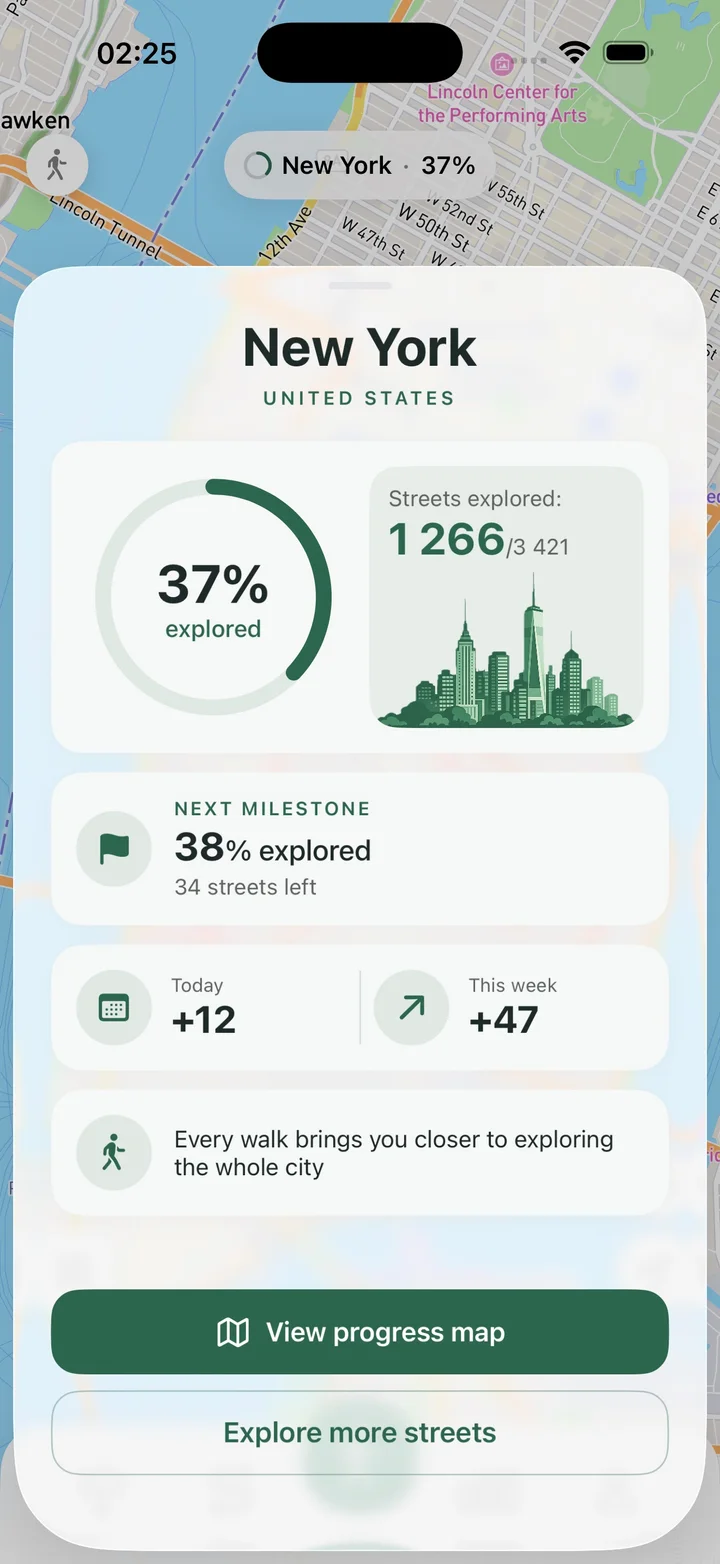
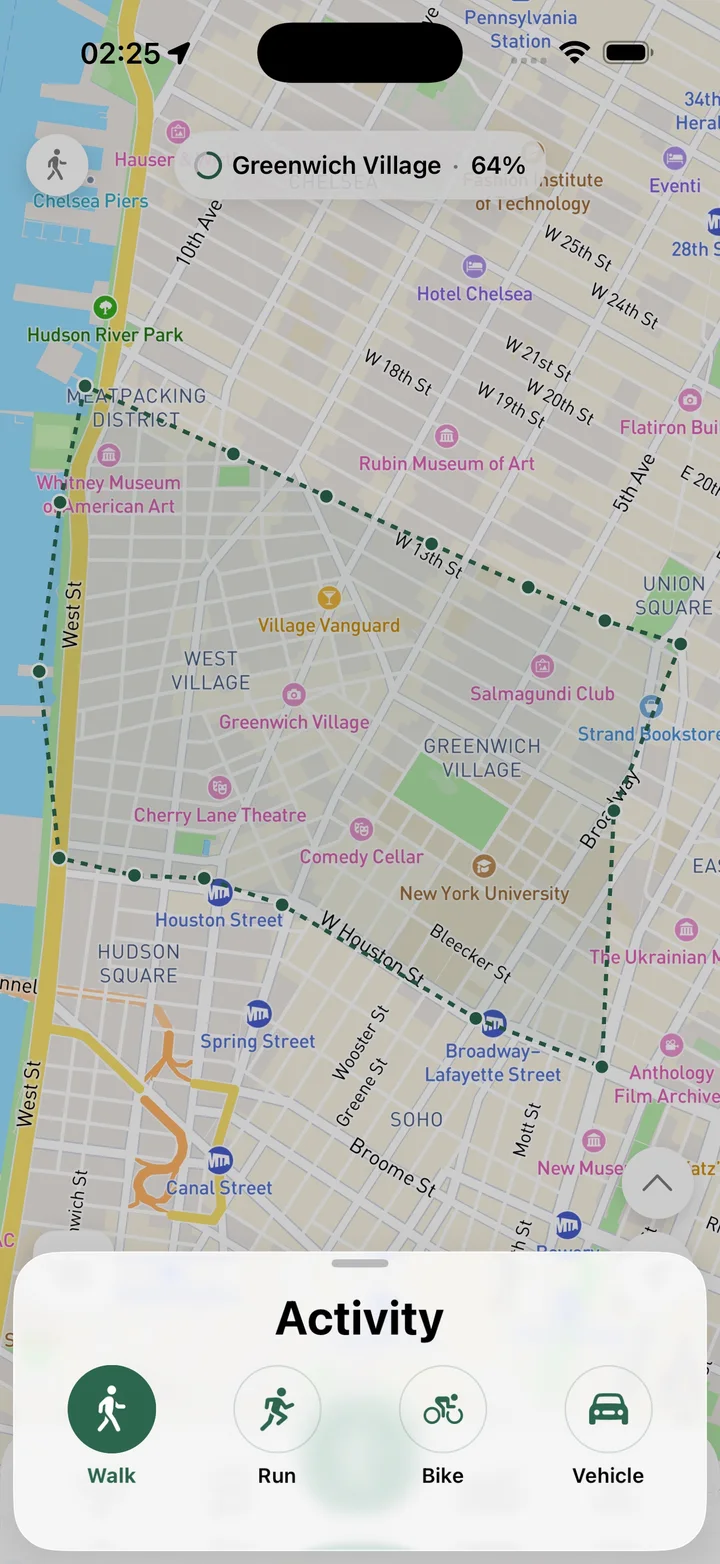
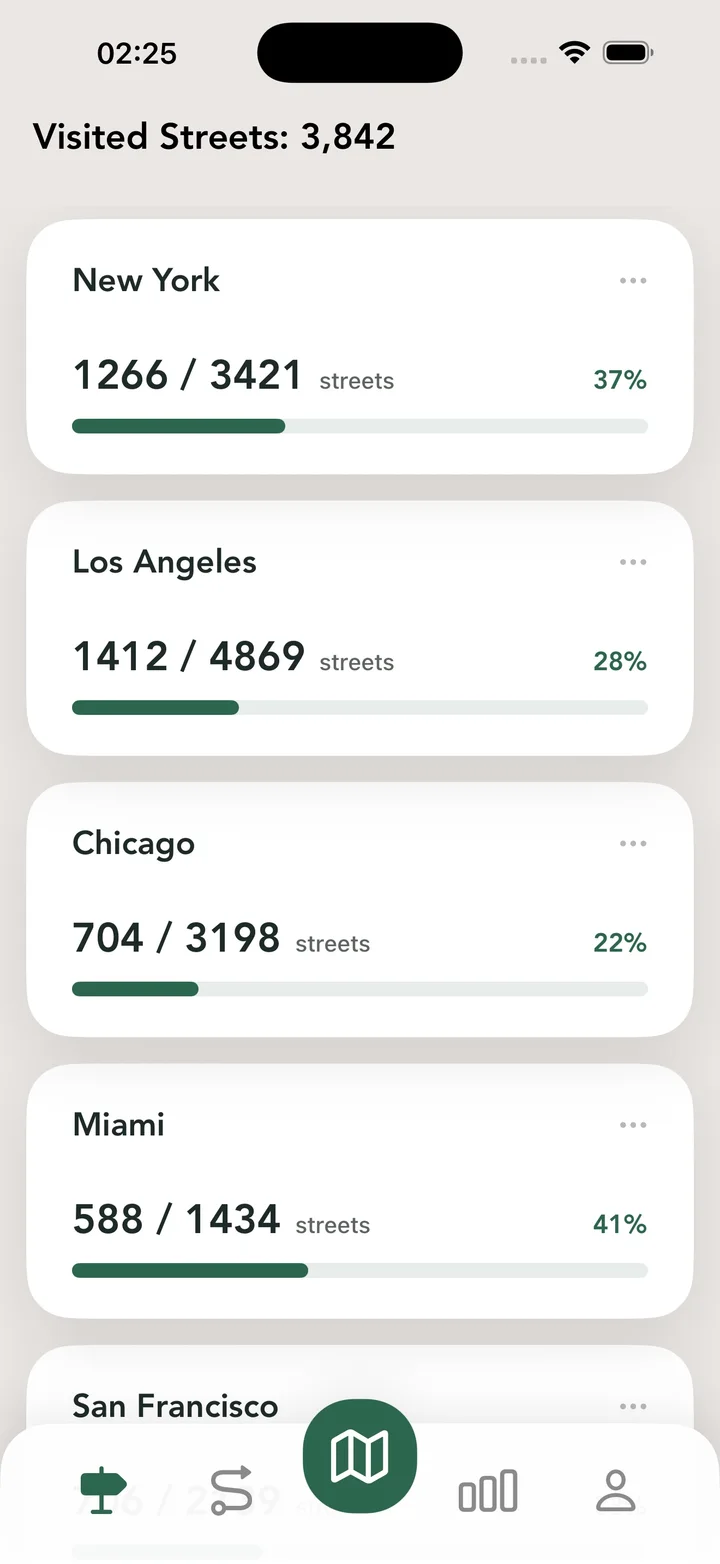
A saved GPS route shows the path of one walk. Visited and Remaining show which streets Streets has recognized and which are still to explore. Your city completion follows that street count. Fog of War is a separate map overlay that reveals ground around recorded routes, rather than a percentage of streets completed.
Already using Streets? See what the Atlas map upgrade means for saved walks and city progress.
See what is left. Walk a new street. Keep going.
Choose a remaining street
Open your city, tap Streets explored, and check Remaining. Sort by Nearest to me, open a street, and use Route to this street to plan the way there.
Record your walk
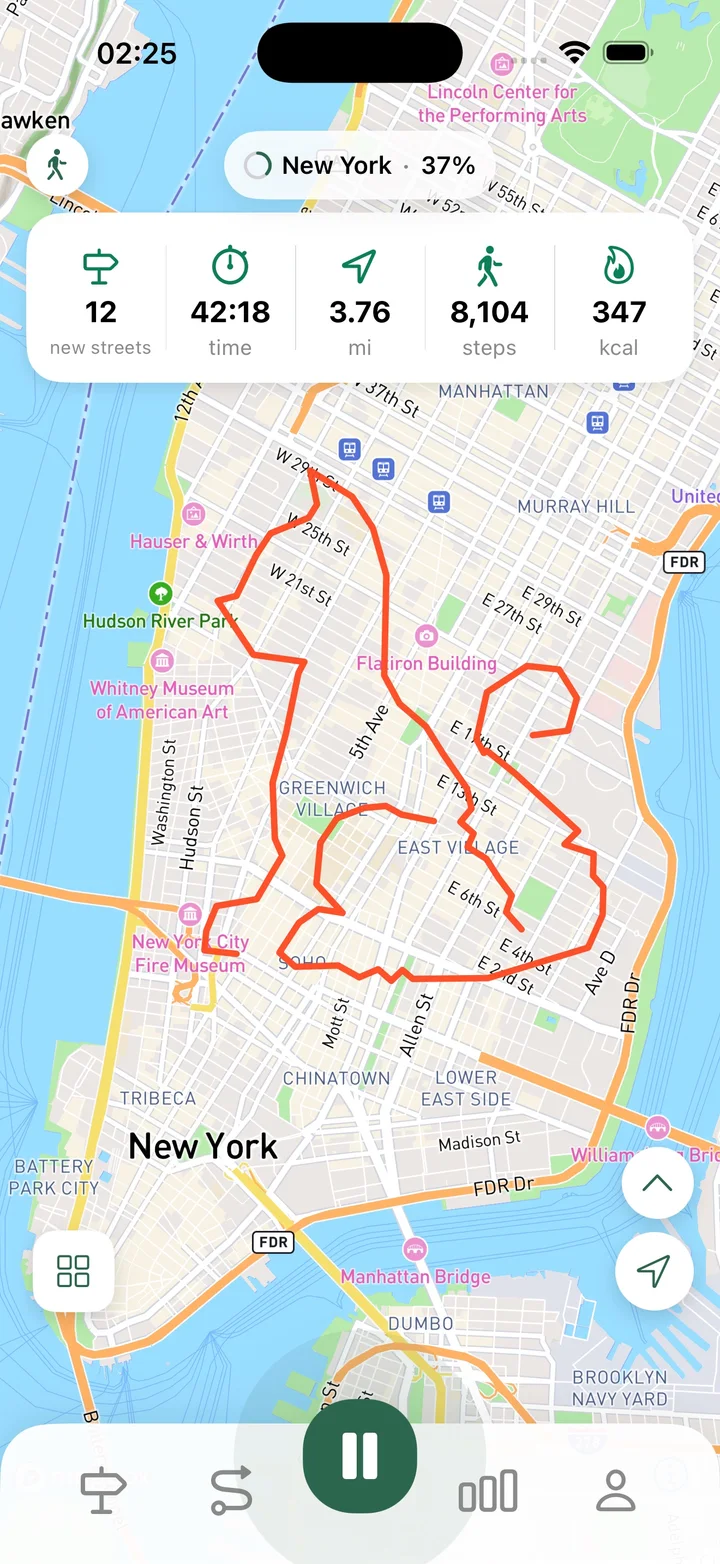
Choose Walk on the main map, tap the start control, and check that the timer starts after the countdown. For a good recording from the start, check that the map shows a usable location before setting off.
Save and review
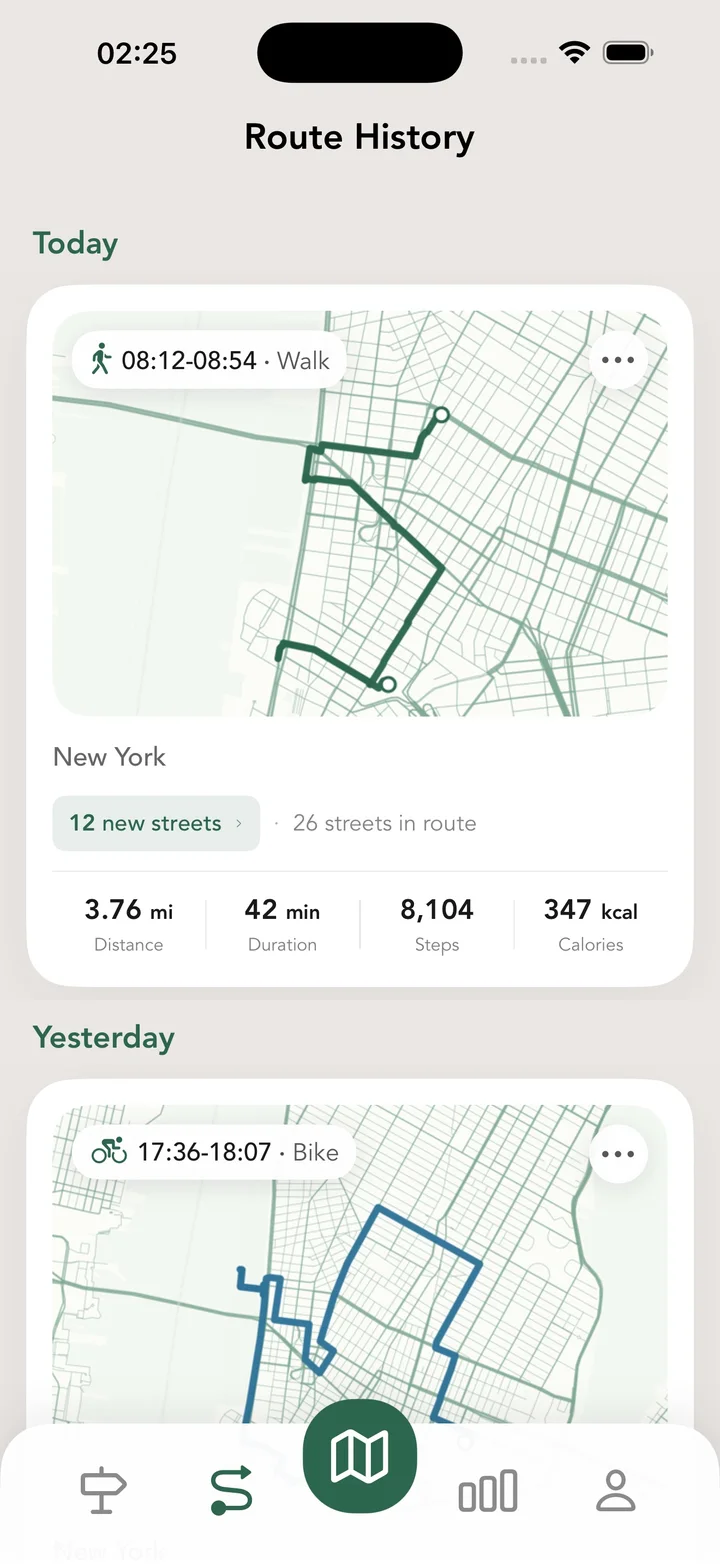
Pause and choose Finish walk. Open the saved outing in History, then check Visited and Remaining. Newly recognized streets move your city toward completion; repeating a street does not add it again.
Everything you need to walk every street
Choose a street from Remaining, plan a route, and record the walk. Explore the tools below for street tracking, city progress, and route generation inside the iPhone app.
Walk every street
See Visited, Remaining, and Skipped, then choose a street to explore.
Visited streetsCity progress map
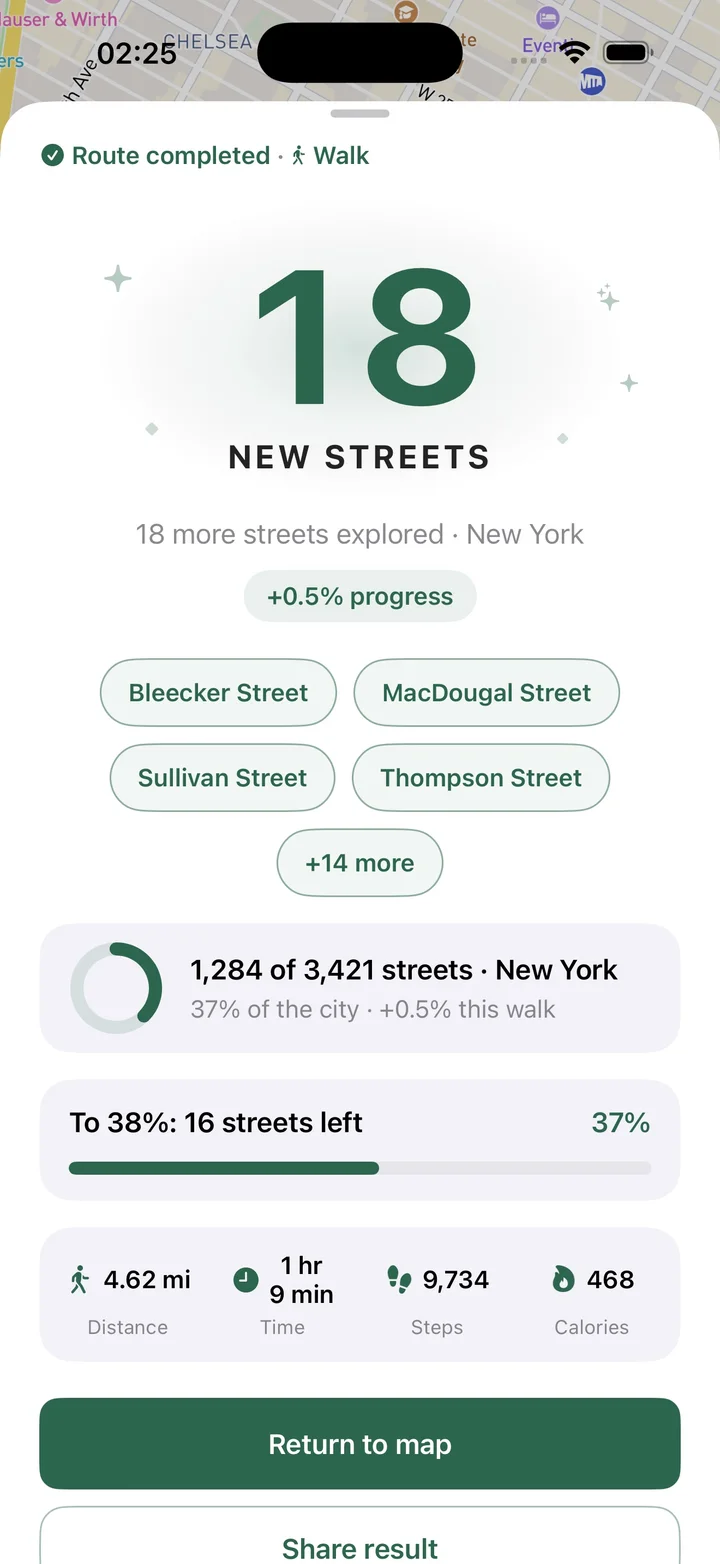
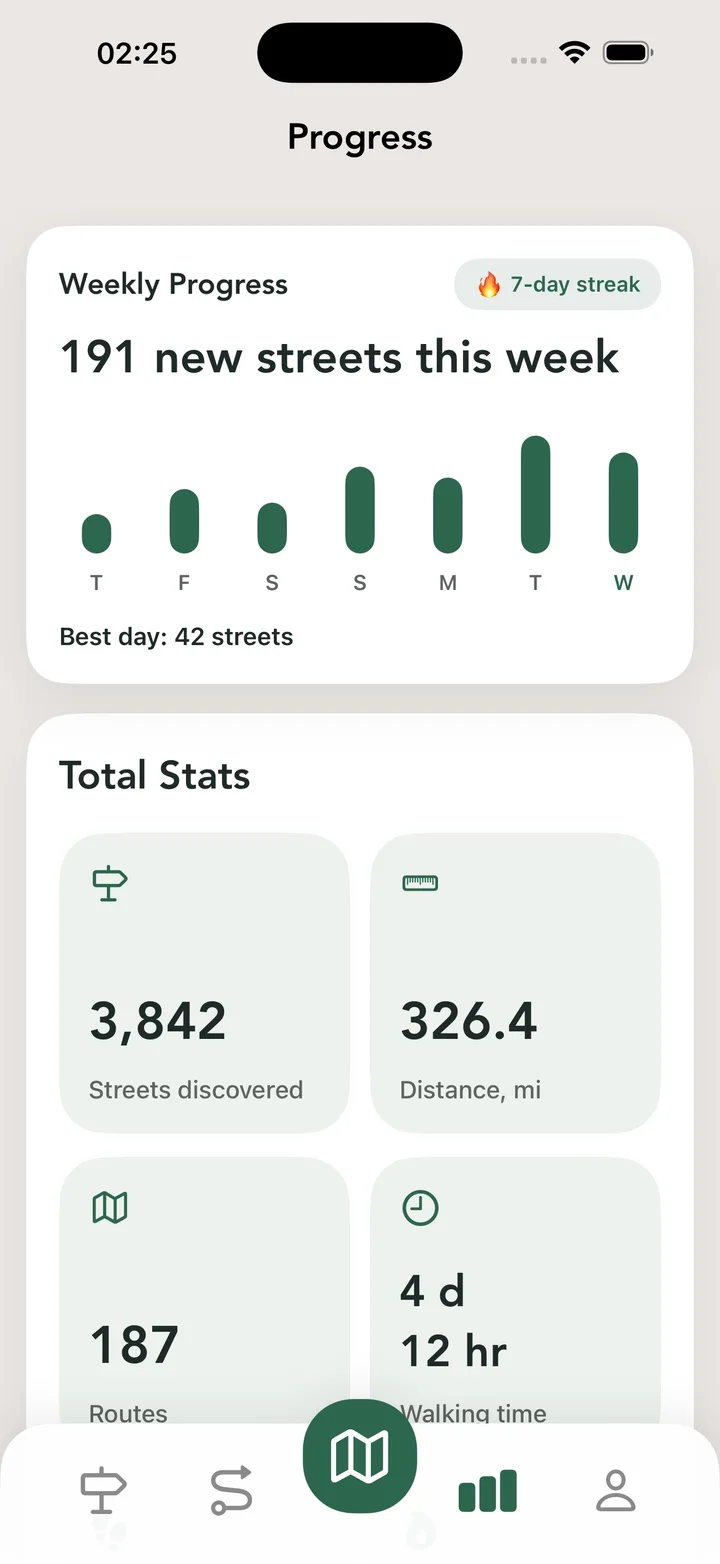
Review recognized street counts, city completion, and recent discoveries.
City progressRandom route generator
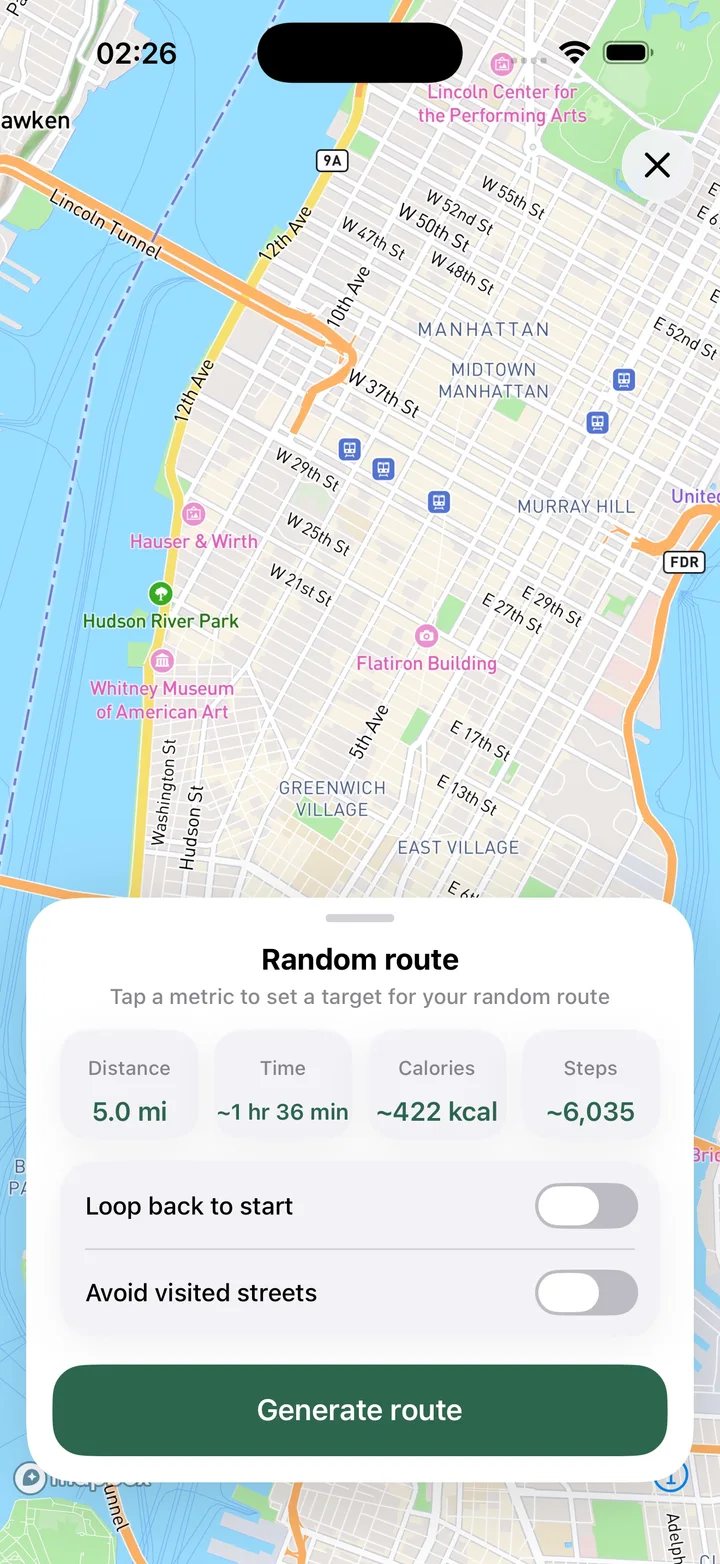
Set a walking target, preview a loop or open route, and seek less overlap with past walks.
Random routeWalking route planner
Plan routes by placing points, following the street network, estimating stats, and avoiding visited streets.
Route planningAreas and neighborhood progress
Create custom map areas, track neighborhood progress, and share your Area completion.
AreasGPS walking tracker
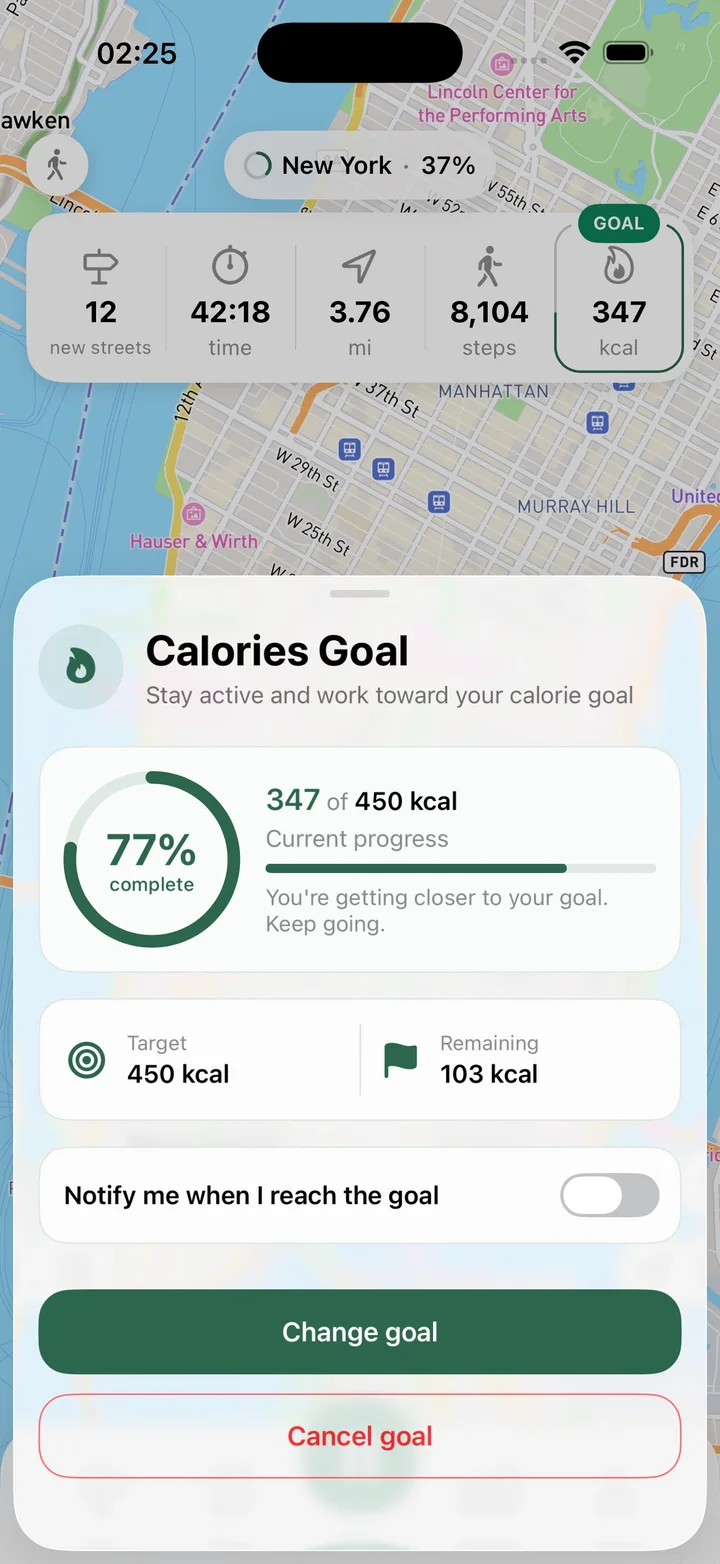
Record an active walk, pause and resume, then review the saved GPS route.
GPS tracking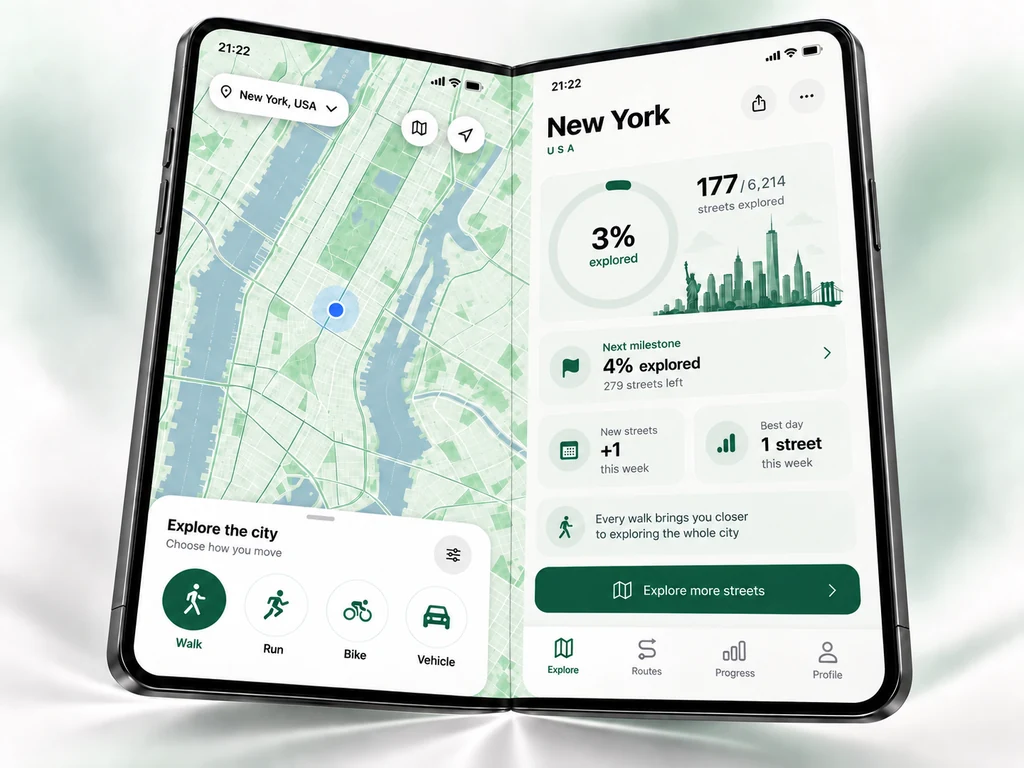
Watch the city fill in
Choose how you want to keep exploring
Monthly and Annual are auto-renewing subscriptions. Lifetime is a one-time purchase with no recurring charge.
Monthly
Pay one month at a time.
Apple bills this subscription every month until you cancel it. Choose Monthly if you want the shortest commitment and maximum flexibility.
Renews every monthAnnual
Pay for one year at a time.
Apple bills this subscription once a year until you cancel it. Choose Annual if you plan to use Streets regularly and prefer one yearly renewal.
Renews every yearLifetime
Pay once. No subscription.
A single purchase unlocks Lifetime Pro without monthly or annual renewals. Access applies for the lifetime of the app under the Streets terms.
No recurring chargeAll three options unlock Streets Pro. Current prices, available trials, and purchase terms are shown in the App Store before you confirm. Prices may vary by country or region. Subscriptions can be managed or canceled in your Apple Account settings. Restore a previous purchase or read the purchase terms.
Walk every street. One block at a time.
See what you have covered. Find what is left. Choose the next street.
Questions, ideas, or feedback?
Tell us what would make Streets better. We are happy to help with routes, progress, street tracking, or anything else.
Getting started with Streets
How do I record my first walk?
Install Streets on your iPhone, allow location access, and choose Walk on the main map. Tap the bottom start control and wait for the countdown. When you are done, pause and choose Finish walk, then review History and your city's Visited and Remaining lists.
Does every walk increase city completion?
City progress counts recognized streets, rather than every saved route or the distance you walk. Revisiting a street keeps a record of another walk, but does not make that street newly visited. Check Remaining to find the next street to explore.
What do I need on my iPhone?
You need the Streets app and location access to record a walk. Check the current iOS compatibility on the App Store before downloading. Route generation also needs an internet connection and your current location.
Are all features available without Streets Pro?
Some tools show a PRO or access prompt. Review the details in Streets for the tool you want to use, and check the current App Store purchase terms before choosing an option.

One more street is waiting.
Download Streets for iPhone, record your first walk, and choose where to explore next from Remaining.