
How to Review Vehicle Segments in a Walking Route
Use Activity Review to correct or remove travel that should not be part of a saved walk and its city progress.
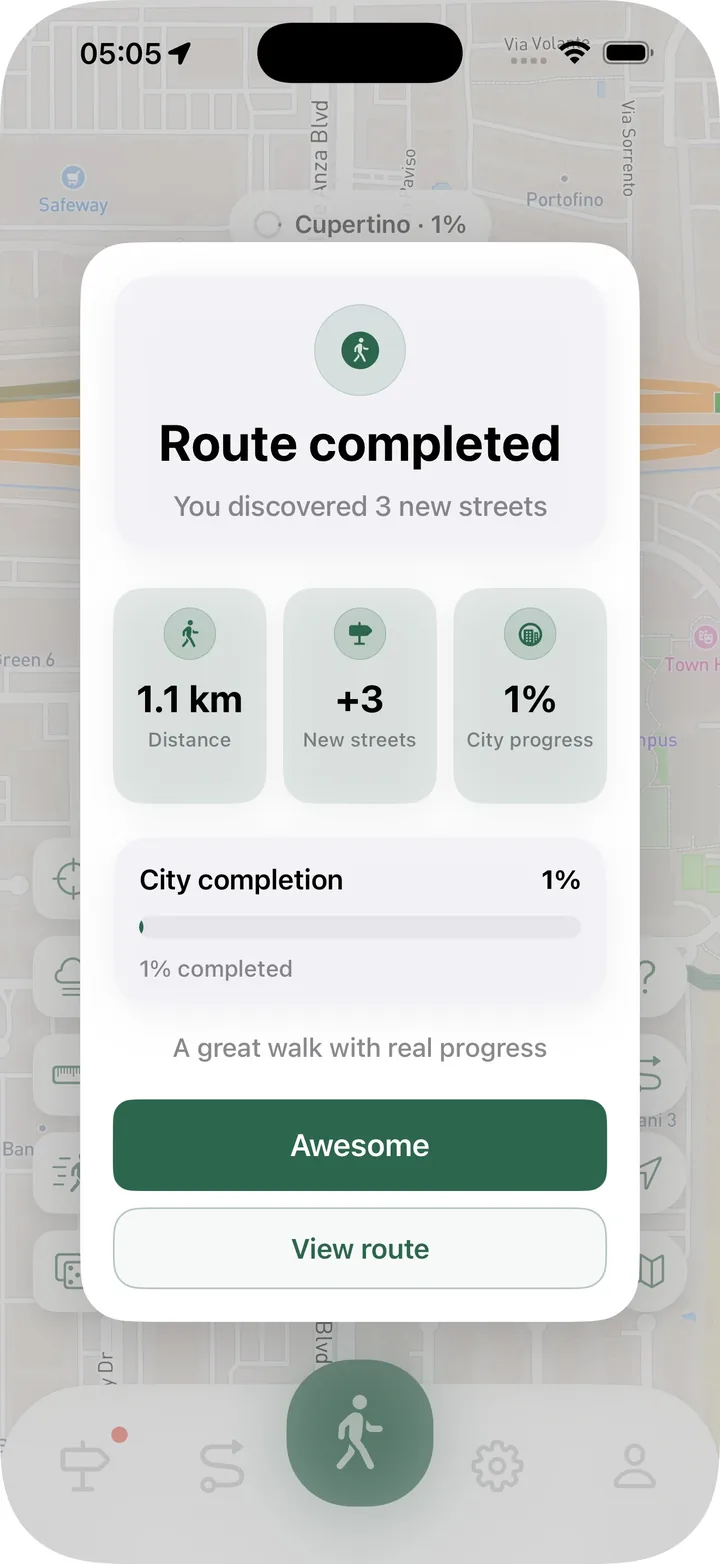
It is easy to forget that a walking route is still recording. You finish a walk, get into a car or bus, and notice later that the route continued. The result can include distance and streets that were not actually explored on foot.
Activity Review in Streets 4.7.29 helps you check route sections that may belong to a different activity. It gives you the final decision before a correction changes the saved route.
Why a route section may be flagged
Streets can look for movement that does not match the recorded activity. A sudden period of vehicle-like travel during a walk is one example.
A suggestion is not an automatic deletion. GPS conditions and real movement vary, so Streets shows the section for review and lets you decide what happened.
Review the highlighted part of the map
Open Activity Review from the completed route or its details. The possible segment is highlighted so you can compare it with the rest of the route.
Think about the transition point. Did the walk end there? Did you get on a bike, train, bus, or car? Or was it simply a faster part of the same activity?
The route map and activity label provide the context you need without forcing a correction.
Choose the action that matches the trip
Activity Review can offer several choices depending on the route:
- Change the section to the suggested activity.
- Remove it from the walk or route.
- Keep it as originally recorded.
- Restore a section that you previously removed.
If the transport section was part of one continuous trip, changing its activity can preserve the full journey as a mixed activity route. If recording should have ended before that section, removing it keeps the saved walk focused on what actually happened on foot.
Keep street progress trustworthy
Route corrections affect more than the line on the map. A removed section is excluded from the route and from results derived from it. Streets recalculates the route so distance, statistics, and street progress stay consistent with the corrected activity.
This matters when you use the map to track streets you have genuinely walked. A clean history makes the next unvisited street easier to choose and keeps city progress meaningful.
Restore a segment if you change your mind
Route editing should be reversible when possible. If a removed section was valid, Activity Review lets you restore it and include it in the route again.
That makes it safer to review a suggestion without treating the first decision as permanent.
Prevent forgotten routes before they grow
Streets 4.7.29 also adds protection for routes that stay idle or continue for an unusually long time. A reminder can help you continue or finish the route before an accidental section becomes large.
Together, route protection and Activity Review cover both moments: preventing a forgotten recording when possible and correcting it afterward when necessary.
Activity Review is part of the redesigned Route History in Streets 4.7.29.