
How to Track Multiple Activities in One GPS Route
Record walking, running, cycling, and vehicle segments without splitting one trip into separate routes.
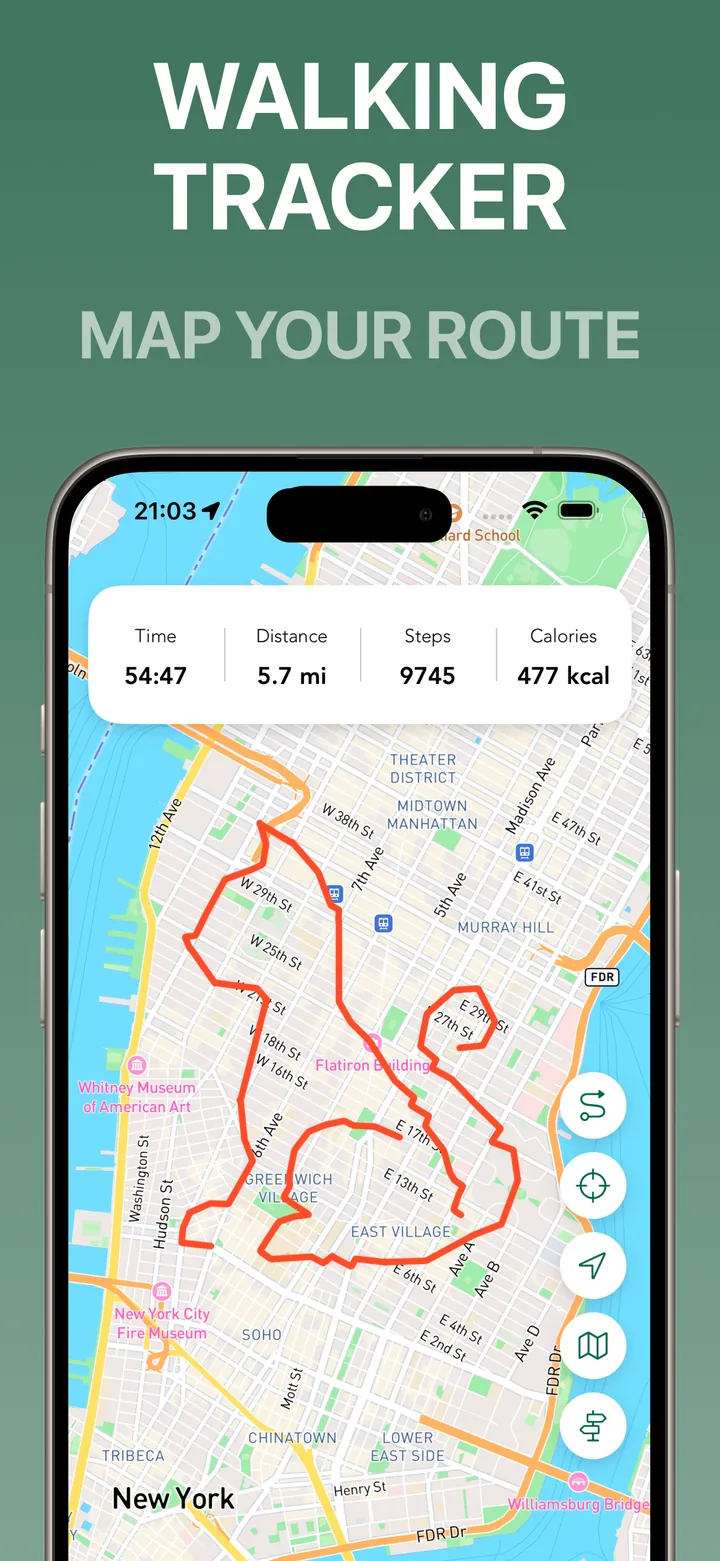
A city trip does not always fit into one activity type. You might walk to a park, run a few laps, rent a bike, and take a bus home. Splitting that trip into several GPS recordings makes the timeline harder to understand and leaves parts of the journey disconnected.
Streets 4.7.29 introduces activity modes for Walk, Run, Bike, and Vehicle. You can choose how a route starts and switch modes while the same GPS recording continues.
Start with the activity you are doing now
Choose the activity that best describes the beginning of the route. Use Walk for an everyday walk, Run for a running session, Bike for cycling, or Vehicle for travel by car or public transport.
The selected activity helps Streets show metrics that make sense for the way you are moving. Pace and cadence are useful on foot, while speed is more useful in Vehicle mode.
Switch modes without ending the route
When the way you move changes, switch the activity instead of finishing the route. Streets begins a new activity segment and keeps the trip inside one continuous route.
This is useful for trips such as:
- Walking to a bike rental station, then cycling through the city.
- Running through a park, then walking home for a cool-down.
- Walking to a train, riding across town, and continuing on foot.
- Exploring several neighborhoods with a mix of walking and cycling.
Each segment stays connected to the same route map and timeline.
Keep the route map easy to understand
A mixed activity route explains more than a single line on a map. When you review it later, activity segments show how each part of the journey was recorded.
That context is especially helpful when distance or pace changes sharply. A fast section no longer needs to look like an unusually quick walk if it was actually completed by bike or vehicle.
The redesigned Route History keeps those segments with the route, alongside its map, statistics, cities, and discovered streets.
Change a segment if the activity was wrong
If a section looks like a different activity, Activity Review can help you correct it. You remain in control of the saved route and can accept a suggested change, keep the original activity, or remove an unwanted section.
This makes mixed activity tracking practical even when you forget to switch modes at exactly the right moment.
One trip can tell the complete story
Separate recordings are still useful when activities are unrelated. But when walking, running, cycling, and transport are parts of the same trip, a mixed route keeps the journey together.
Start the GPS route tracker, choose the current activity, and switch only when the way you move changes. Streets will preserve the complete route and give each segment the right context.
Mixed activity routes are part of Streets 4.7.29.